How to schedule LinkedIn posts with AI in ReachSocial: a step-by-step guide

TL;DR
- Scheduling a LinkedIn post isn’t the hard part. What breaks the habit is everything before it: picking a topic, writing a draft you’d sign, and doing it again three days later.
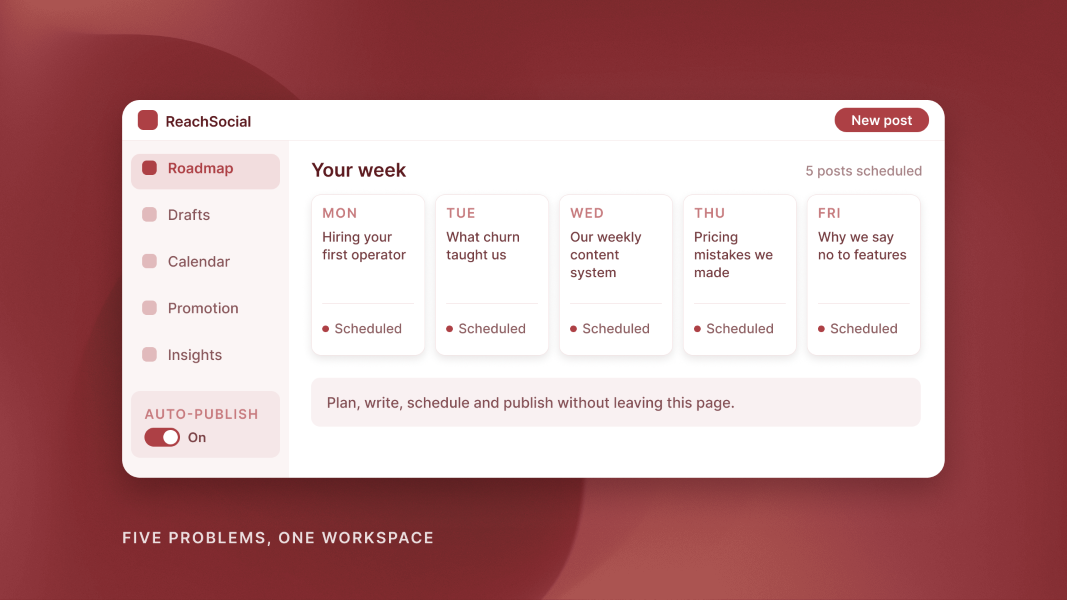
- ReachSocial handles that whole process in one place. You set your topics and a default style, it builds a weekly content roadmap, and you edit the drafts with AI, then schedule them straight to your LinkedIn profile or turn on weekly auto-publish.
- Setup takes about 20 minutes, and you should still reply to comments yourself. Plans start at $99 a month with a 7-day free trial.
To schedule LinkedIn posts with AI in ReachSocial, set your topics and a default post style, let it build a weekly content roadmap, edit the drafts with AI, then preview and schedule each post straight to your LinkedIn profile. Weekly auto-publish can run the week for you once you trust the setup.
The clock icon was never the hard part. What breaks a posting habit is everything before it: picking a topic, writing a draft you'd sign, and doing it again three days later. ReachSocial is an AI LinkedIn content tool built to handle that whole chain in one place. Here's exactly how to go from an empty week to a full queue.
What you need to schedule LinkedIn posts with AI
You need four things, and none of them take long:
- A personal LinkedIn profile (ReachSocial publishes to profiles, not Company Pages)
- Three to five topics you want to be known for
- About 20 minutes for the first setup
- A ReachSocial account; the 7-day free trial is enough to schedule your first week
Step 1: connect LinkedIn and set your topics
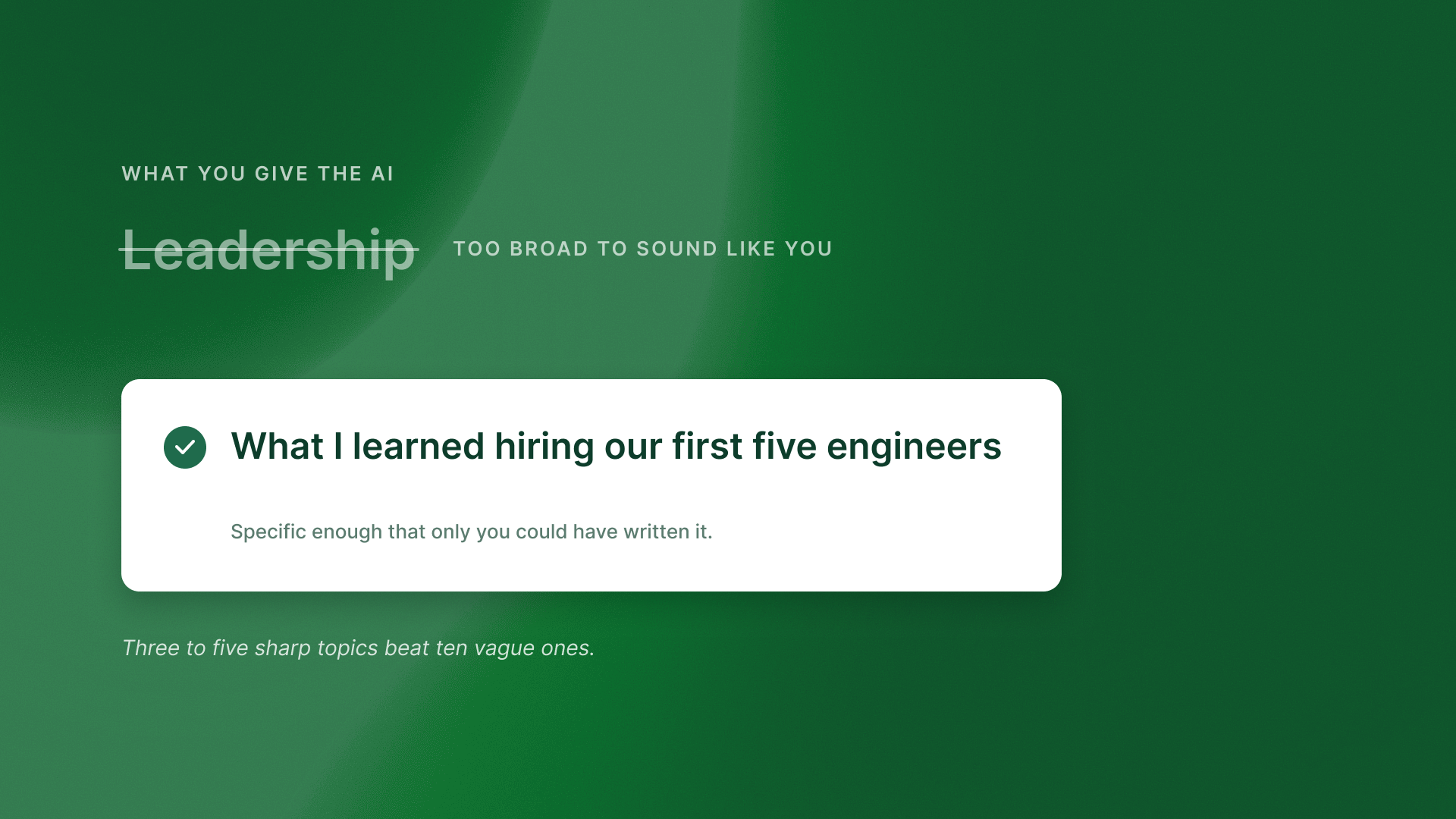
Connect your LinkedIn account so ReachSocial can publish on your behalf, then add the topics you want your posts to cover. Topics are the brief for everything that follows, so make them specific.
"Leadership" is too broad to sound like you. "What I learned hiring our first five engineers" gives the AI something real to work from. Three to five sharp topics beat ten vague ones.
Step 2: pick a default post style
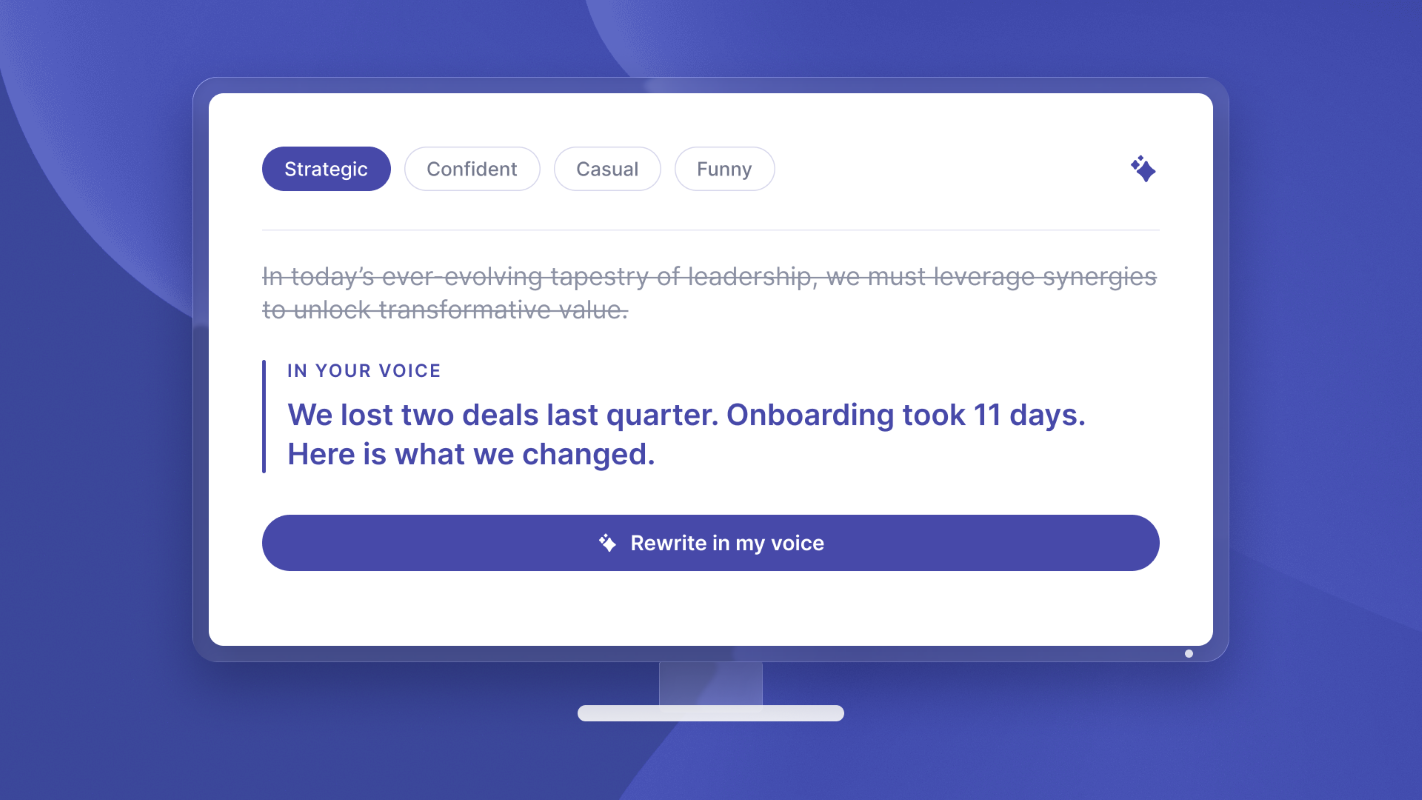
Choose one of four default styles: Strategic, Confident, Casual or Funny. Pick the one that sounds most like you in a meeting; you can change the style on individual posts later.
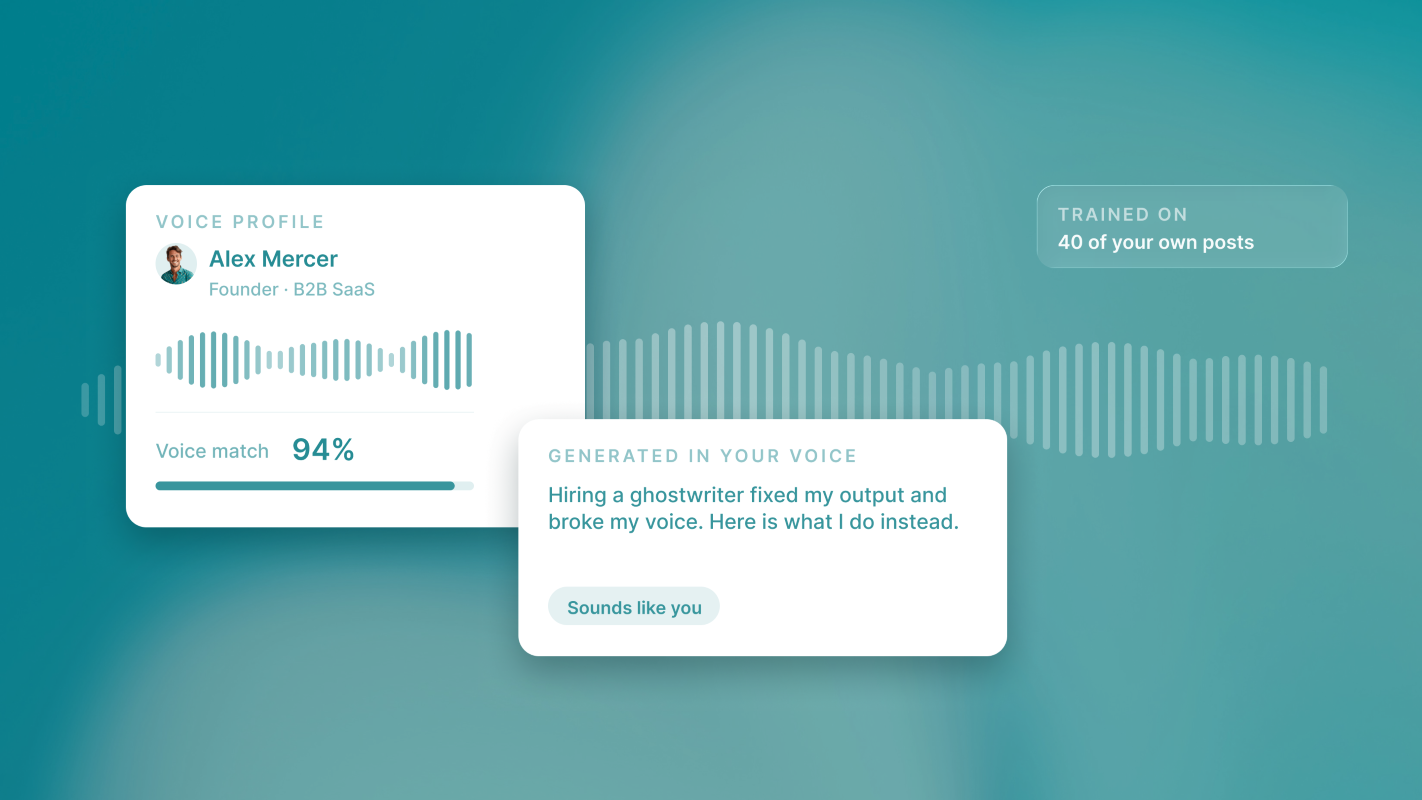
ReachSocial also analyses your niche, audience and voice, and learns from top-performing posts in your niche, so drafts start closer to how you actually write.
Step 3: review your weekly content roadmap
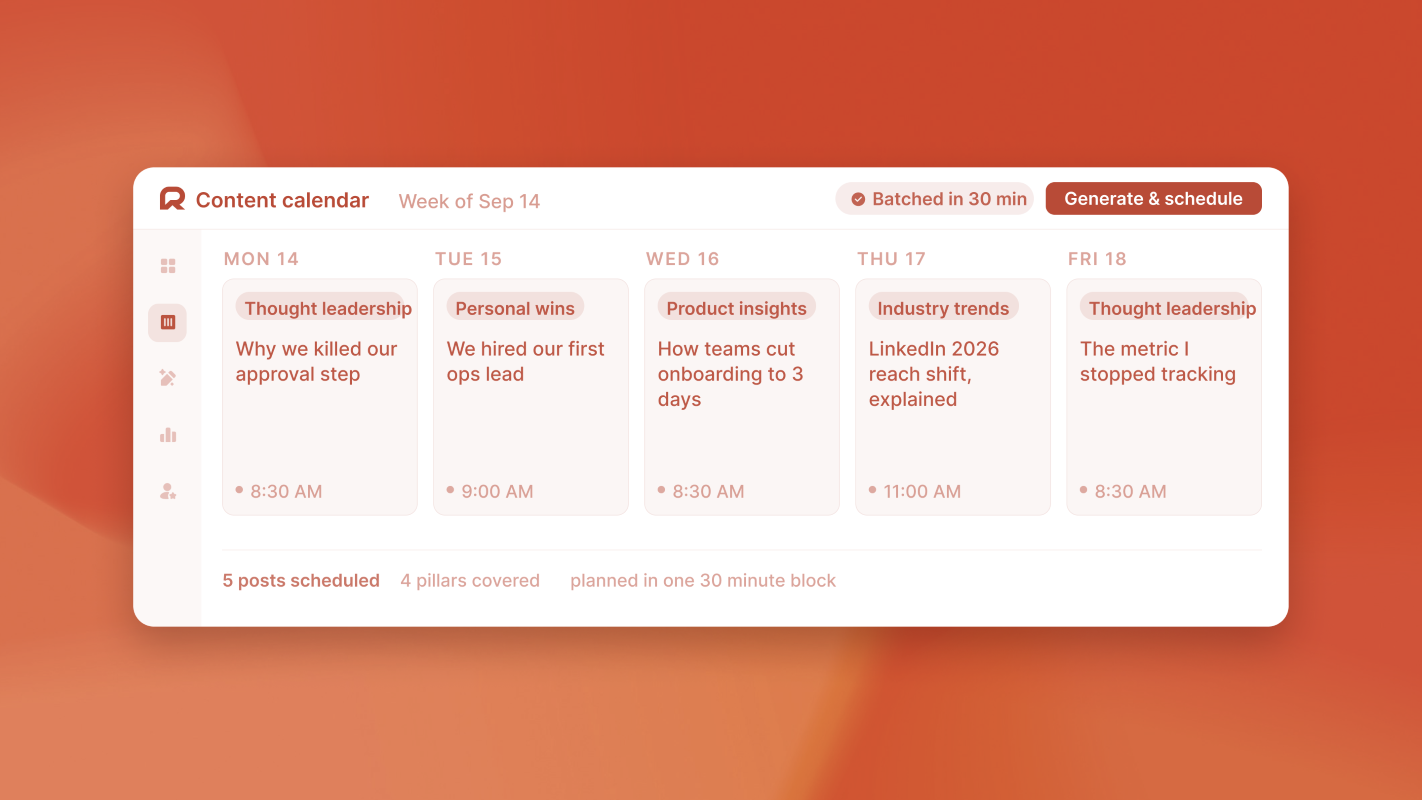
ReachSocial turns your topics into a weekly content roadmap, with a post topic scheduled on each day you choose. The calendar view shows everything scheduled and published at a glance.
This is the step that removes the daily "what do I post?" decision. Review the week as a whole: are the topics varied, and does each one say something only you could say? Regenerate any post that doesn't pass. If you want the thinking behind a good week, see how to plan a week of LinkedIn content in 30 minutes.
Step 4: edit each draft with AI
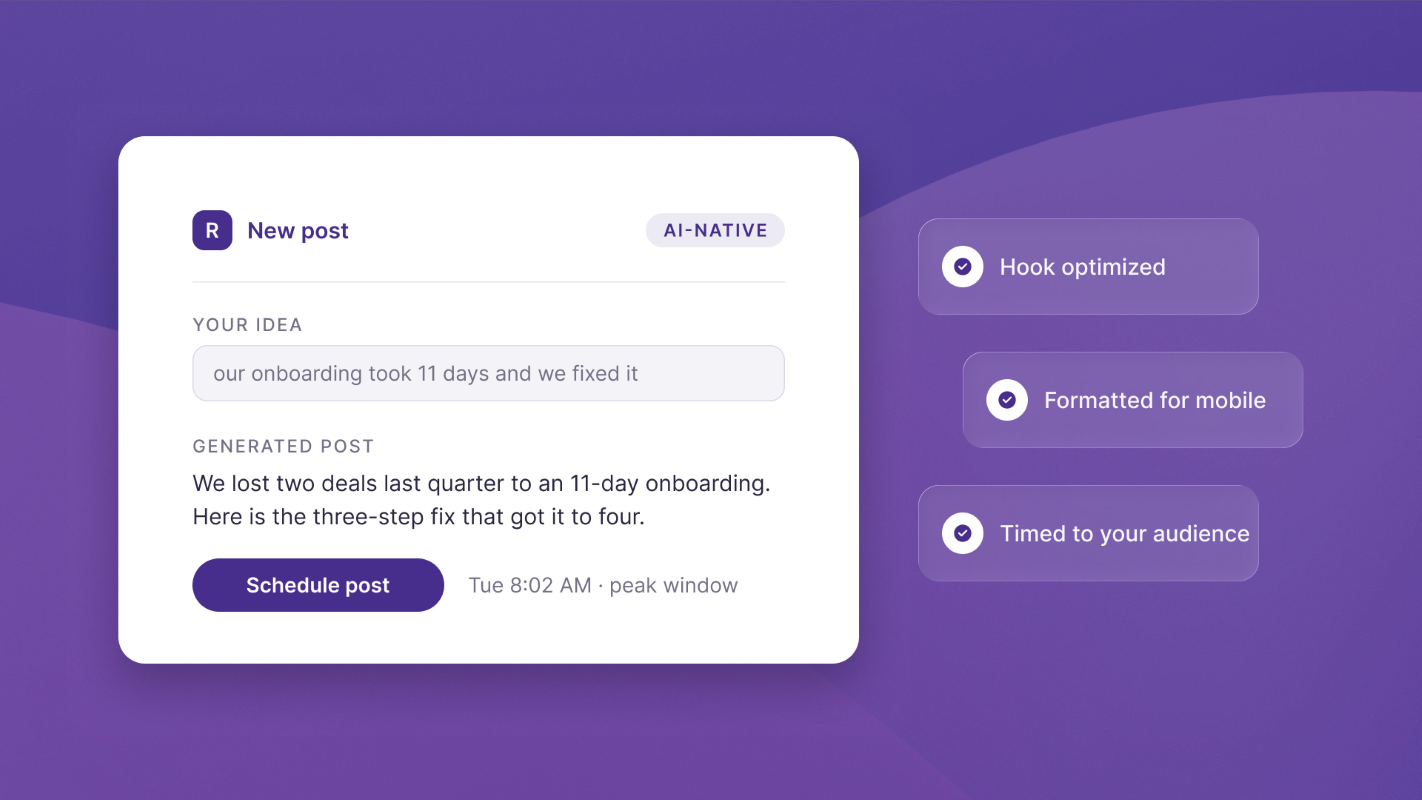
Open each draft and use Edit with AI to sharpen the hook, adjust the tone or rewrite the whole post in one click. Custom instructions handle anything specific.
Then add the one detail only you know: a figure, a client moment, a decision you made this week. That detail is what keeps an AI draft from reading like everyone else's. More in how to write LinkedIn posts in your own voice with AI.
Step 5: preview and schedule
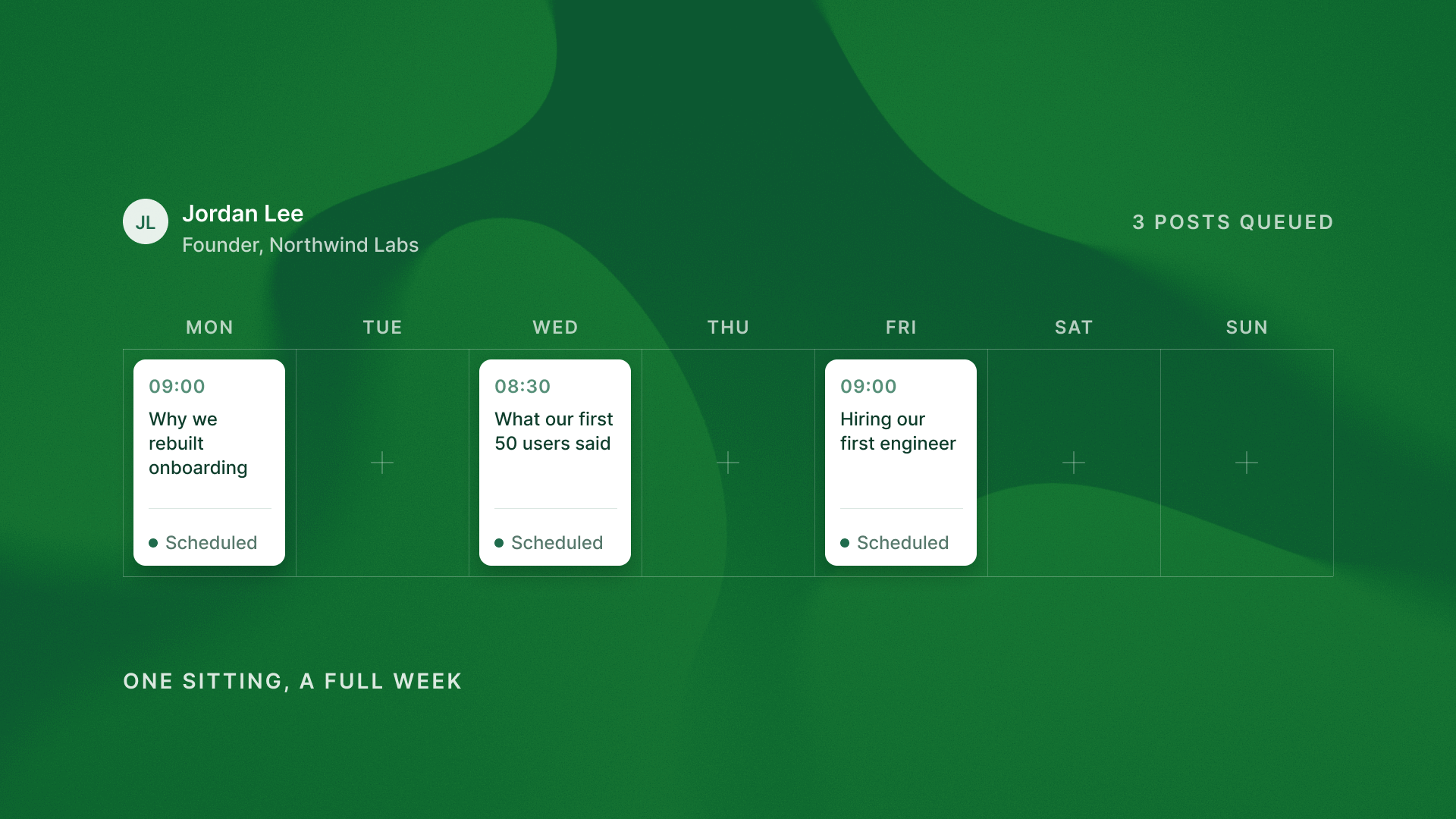
Preview each post as it will appear, then schedule it. ReachSocial publishes directly to your LinkedIn profile on the day and time you set, so there's no copying into LinkedIn and no second tool.
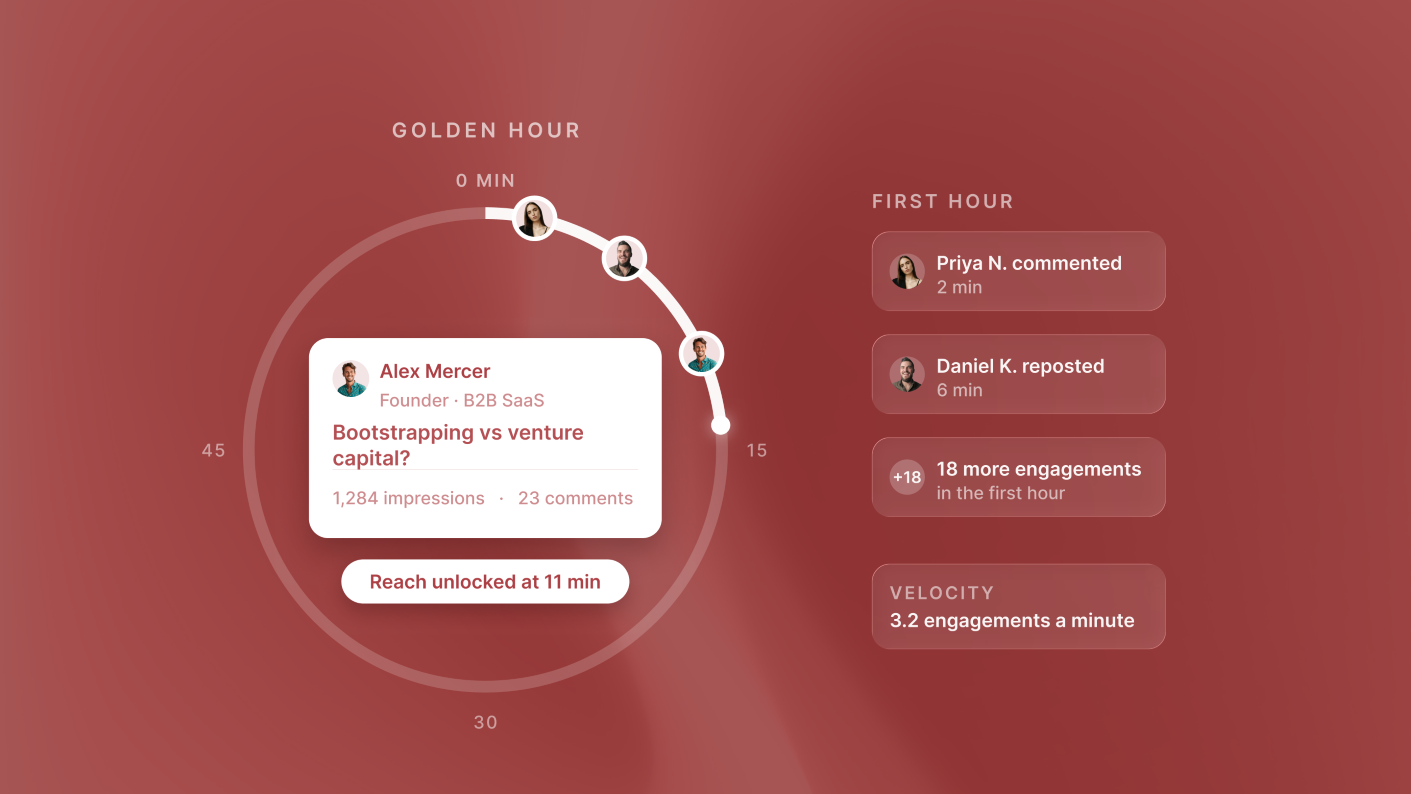
Pick slots you can show up for. Being around in the first hour to reply to comments helps a post keep moving, as covered in the engagement velocity strategy.
Step 6: decide whether to turn on weekly auto-publish
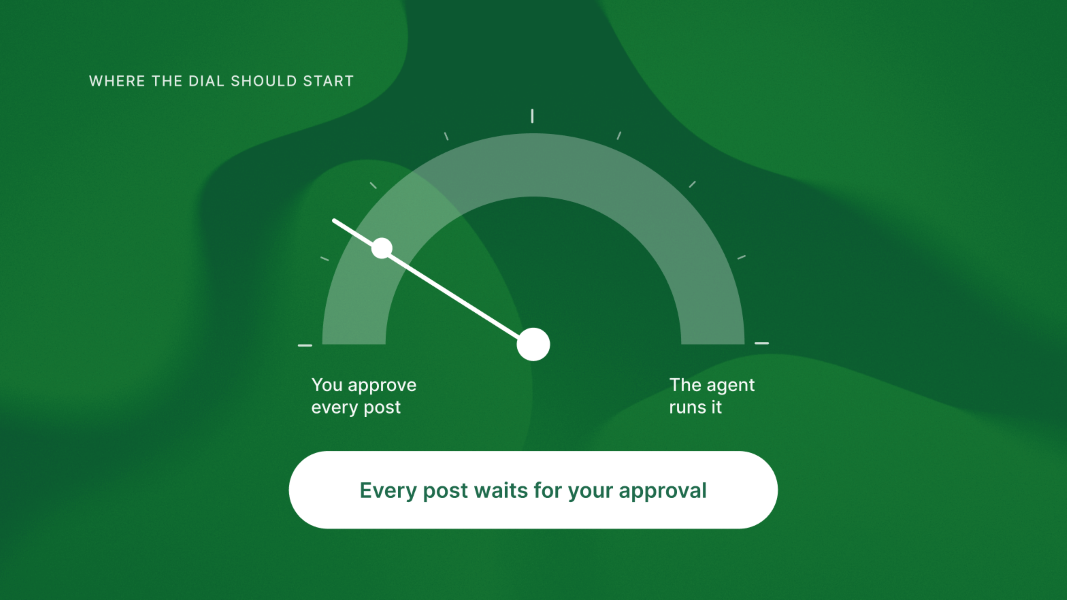
Weekly auto-publish is ReachSocial's automated LinkedIn scheduling: it generates new posts from your saved topics, schedules them on your chosen days and publishes them without manual steps. Turn it on once a few weeks of drafts have needed only light edits.
Step 7: check your insights and adjust next week
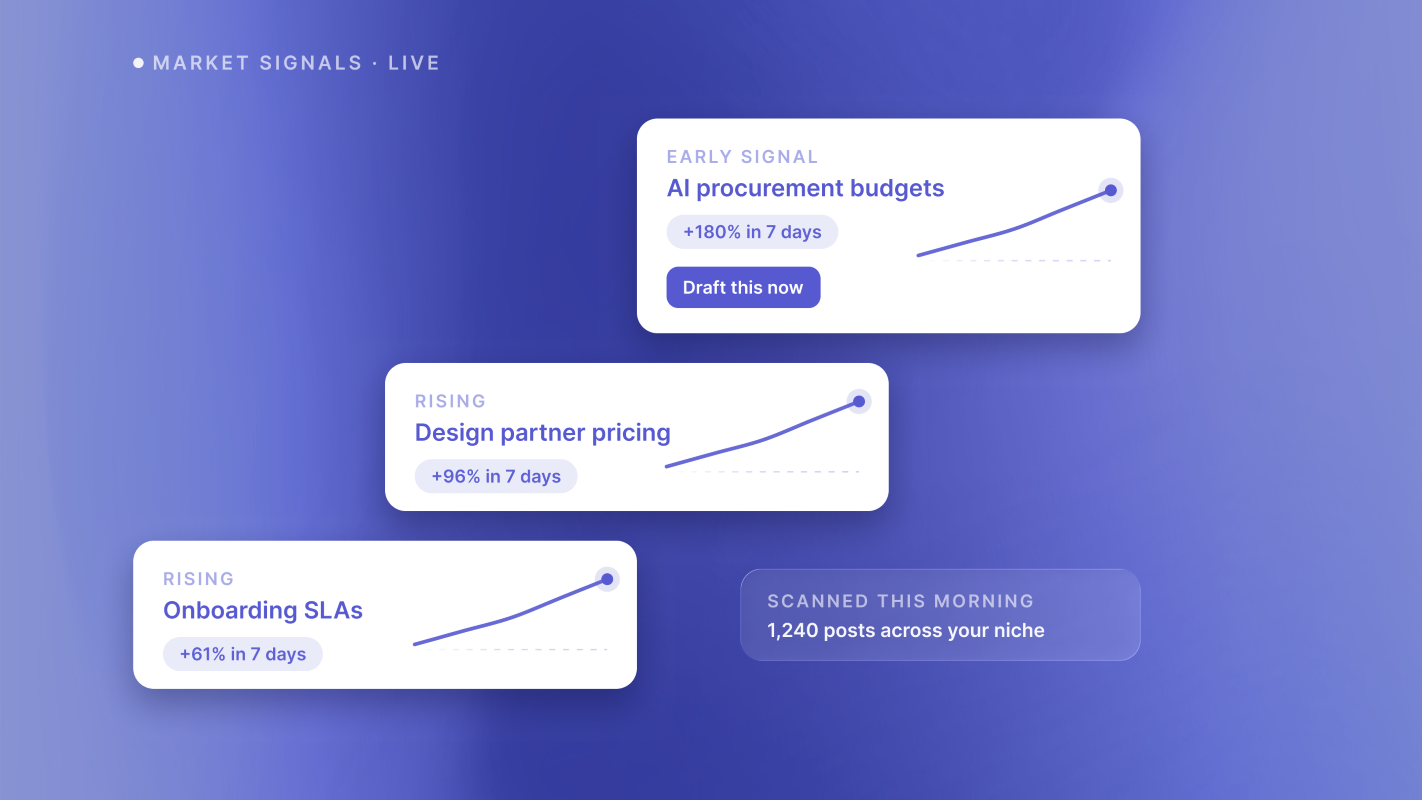
Performance insights show which posts resonate with your audience, and ReachSocial monitors what's working across your niche and feeds that back into your plan. Spend five minutes here before approving next week's roadmap: repeat the topics that landed and drop the ones that didn't.
Automate the publishing, not the conversation
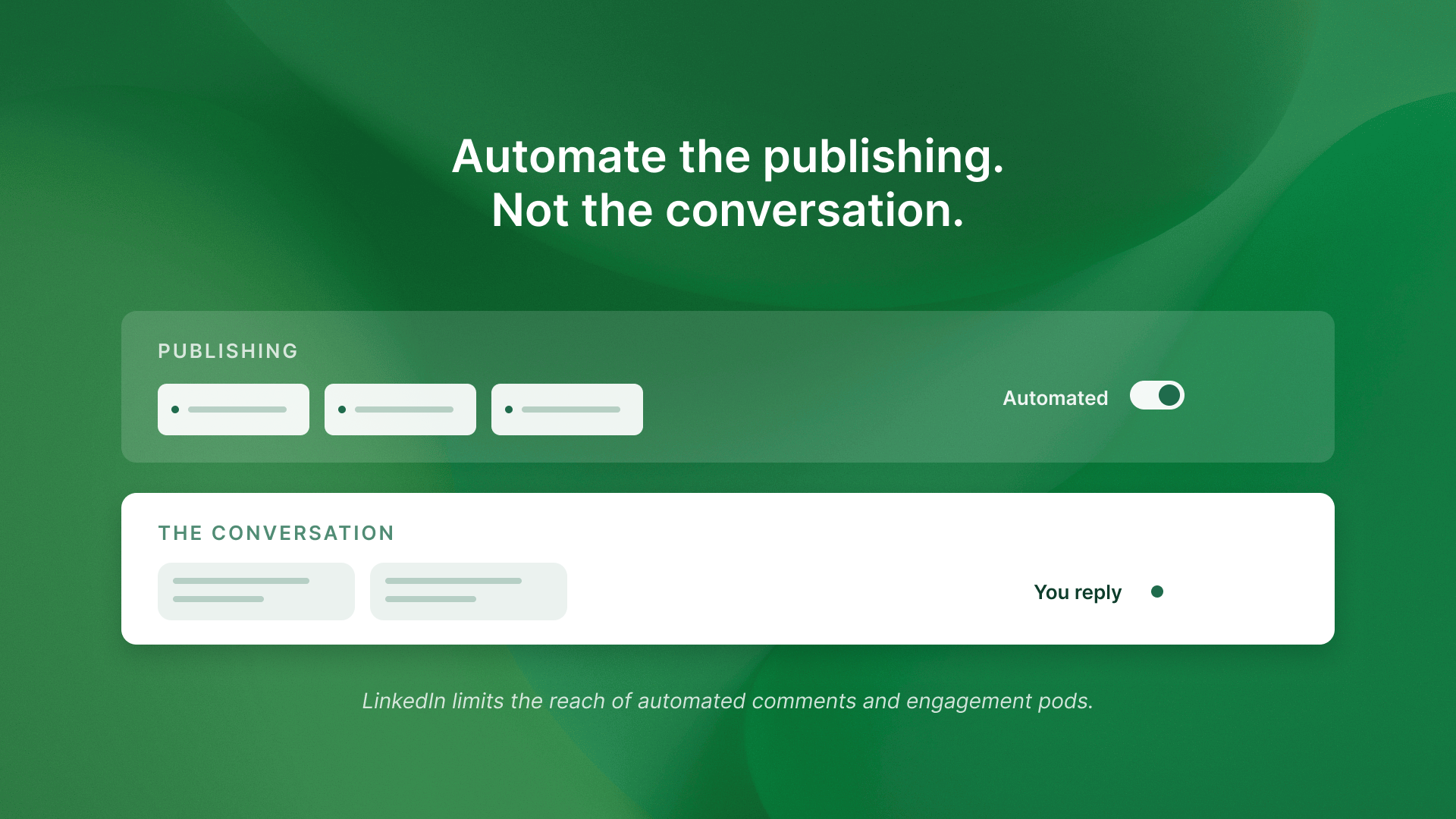
Good LinkedIn automation for founders stops at publishing. Scheduling your own posts is ordinary; LinkedIn builds a scheduler into its own composer. What LinkedIn tightened in 2026 is the engagement side: in March it said it limits the reach of automated comments and engagement pods. Let ReachSocial handle the queue, and reply to your comments yourself.
What to do next
Block 20 minutes this week, set three topics and a style, and schedule one full week. Judge it on one thing: did Wednesday's post go out without you thinking about it?
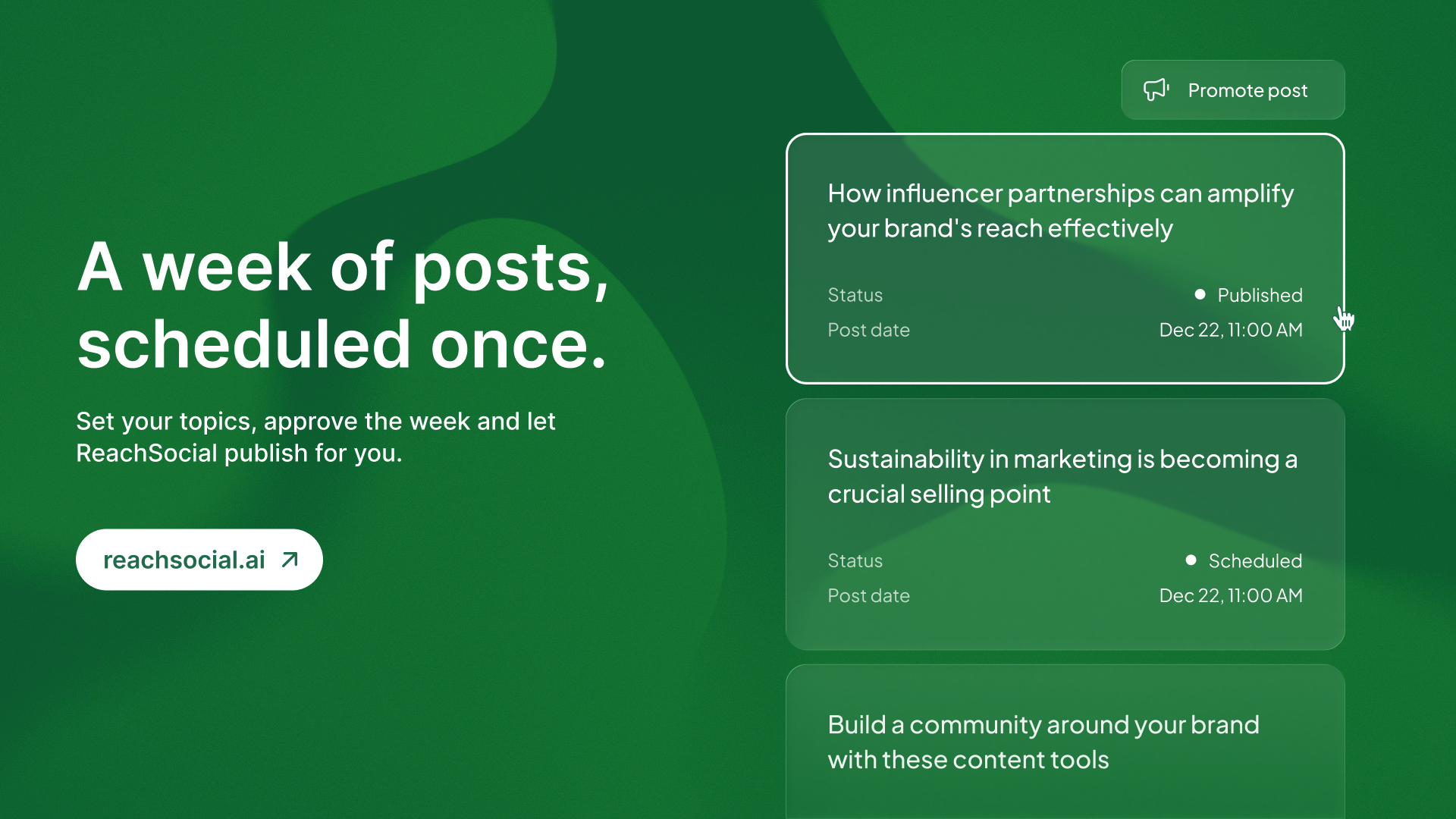
Start free schedule your first week of LinkedIn posts. Plans start at $99 per month, billed monthly, cancel anytime.