The 5 biggest LinkedIn problems founders face, and how ReachSocial solves each one

TL;DR
- Most founders stall on LinkedIn for the same five reasons: no idea what to post, AI drafts that don't sound like them, too many tools, posts nobody sees, and no clear signal on what's working.
- ReachSocial is a LinkedIn-only content workflow that fixes each one in a single place: a weekly content roadmap, drafts written in your voice, direct scheduling and publishing, built-in promotion, and performance insights.
- You can set up your first week of posts in under 20 minutes. The plan is $99 a month with a 7-day free trial.
You already know LinkedIn matters. Your next client, investor or hire is probably scrolling it right now. The problem is rarely belief. It's execution: a busy week arrives, and posting is the first thing to go.
We built ReachSocial around the exact points where founders drop off. Here are the five biggest, why each one happens, and how the product fixes it.
1. "I don't know what to post this week"
The blank page is where most posting streaks end. Deciding what to write about takes more energy than the writing itself, so it gets pushed to tomorrow, then next week.
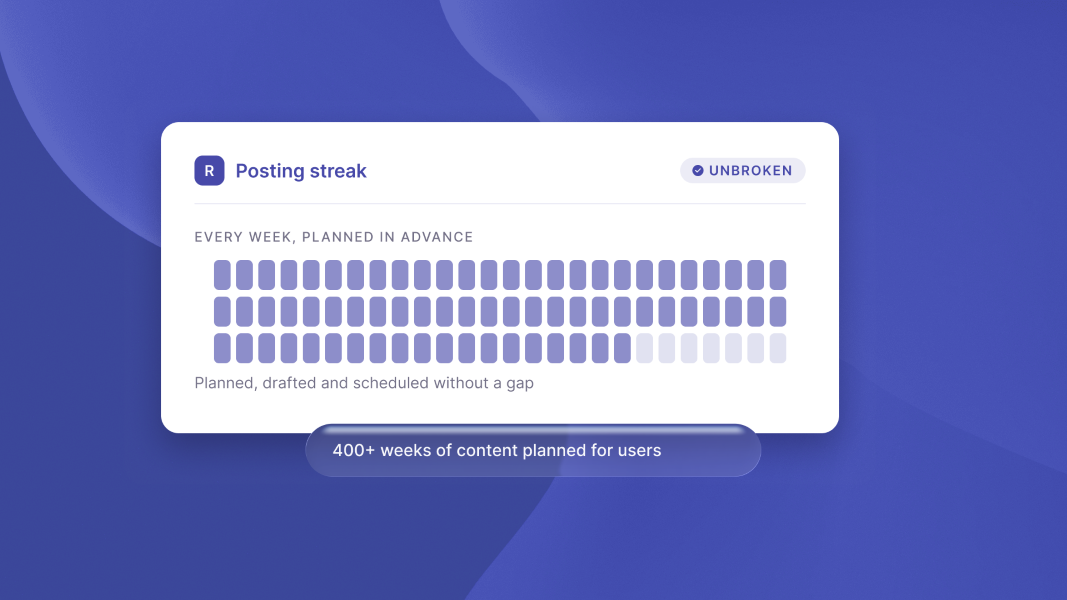
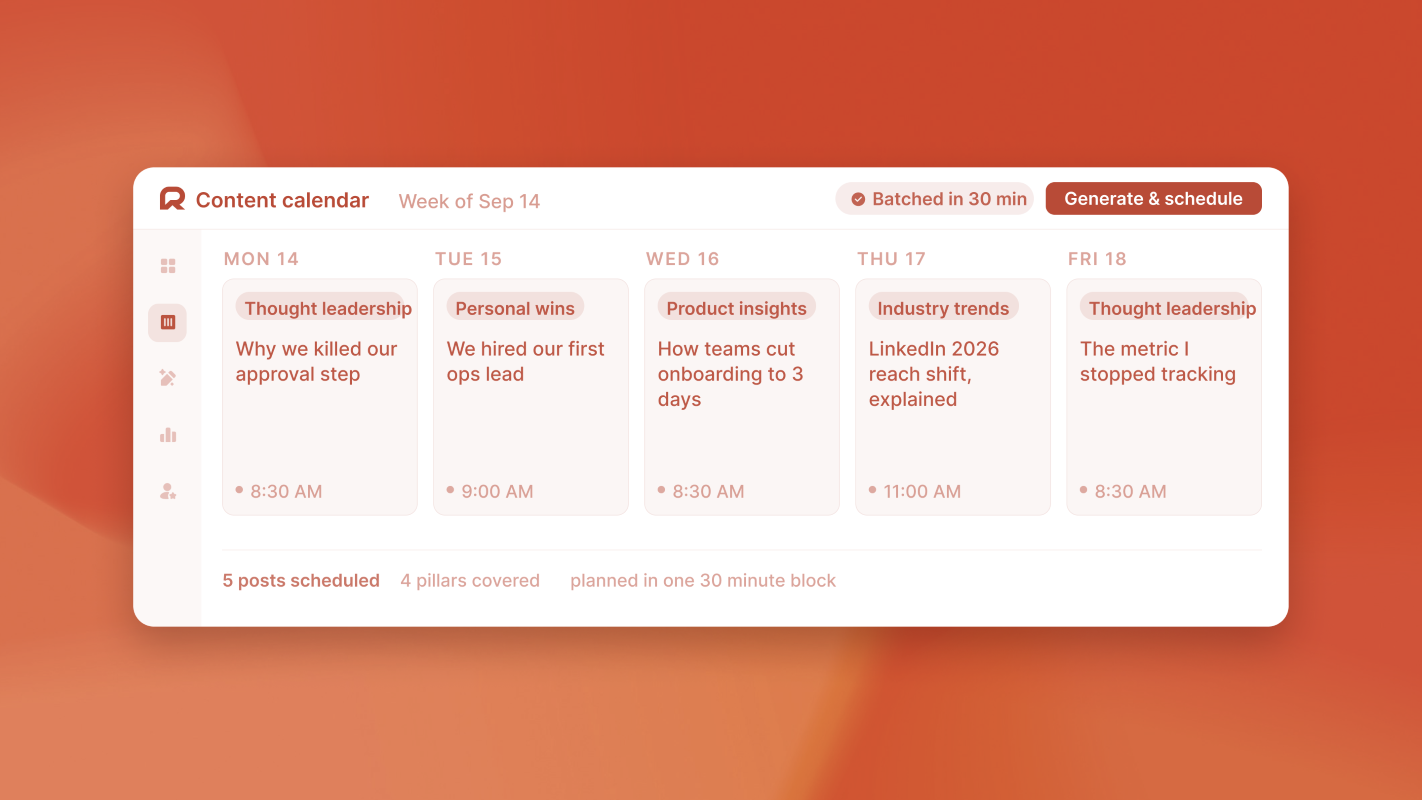
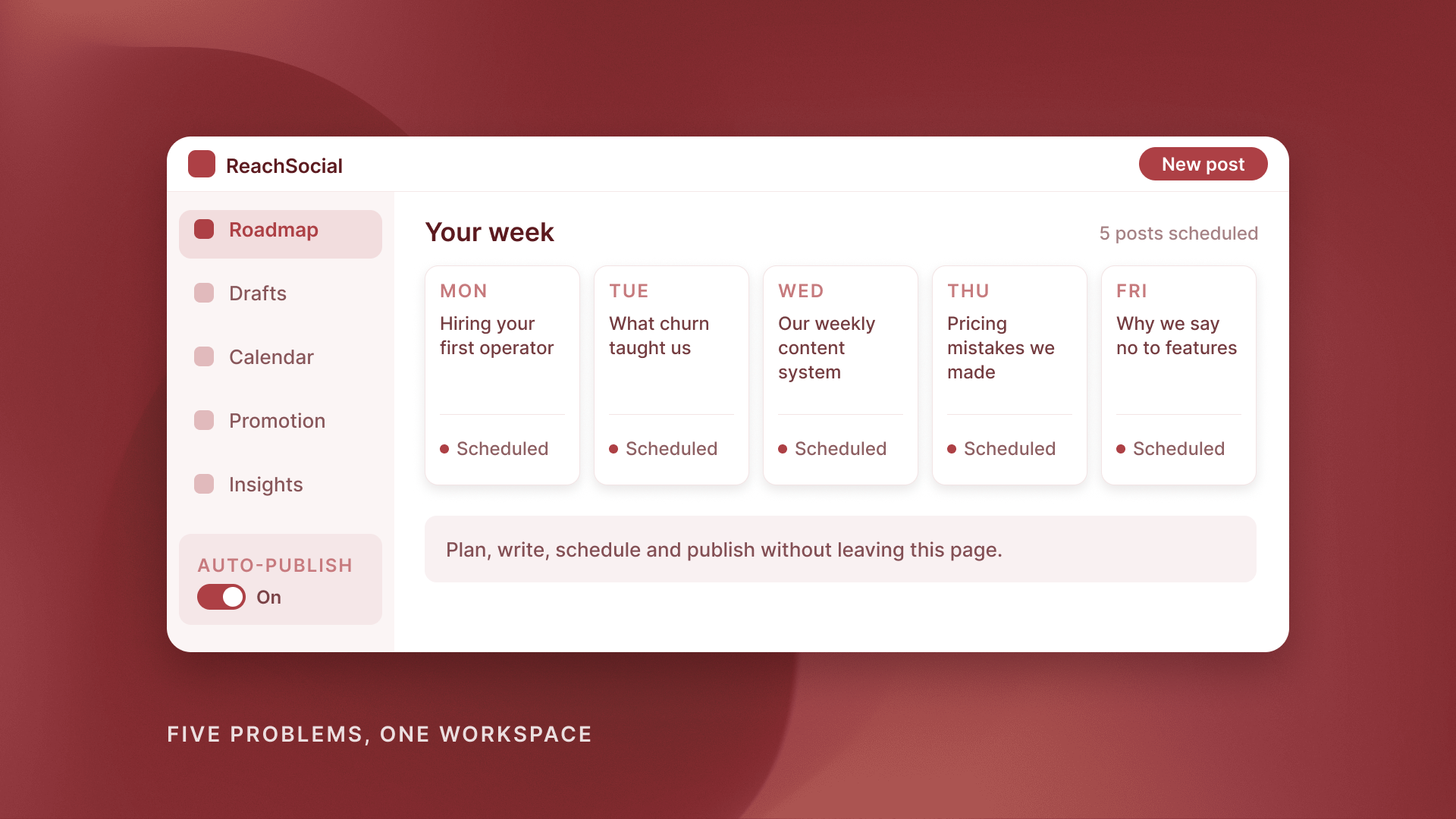
ReachSocial starts by asking what you want to be known for. You set your topics and pick a default post style: Strategic, Confident, Casual or Funny. From that, it builds a weekly content roadmap with a post topic scheduled on each day you choose. You can review, edit or regenerate any post, and the calendar view shows everything scheduled and published at a glance.
The outcome: you start every week with a plan instead of a blank screen. If you want the method behind it, our guide to planning a week of LinkedIn content in 30 minutes breaks it down.
2. "AI posts don't sound like me"
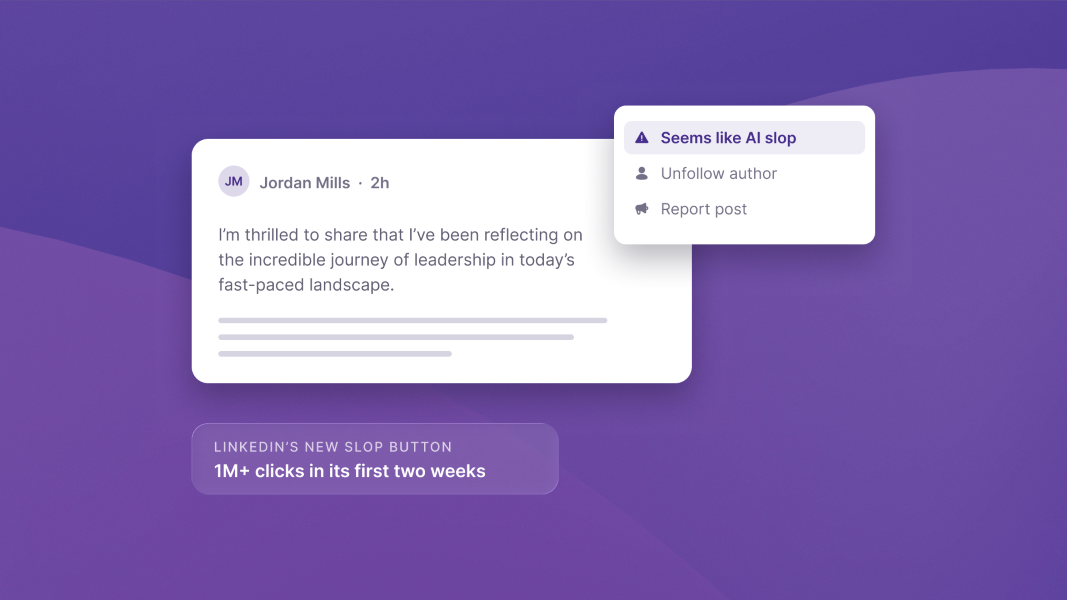
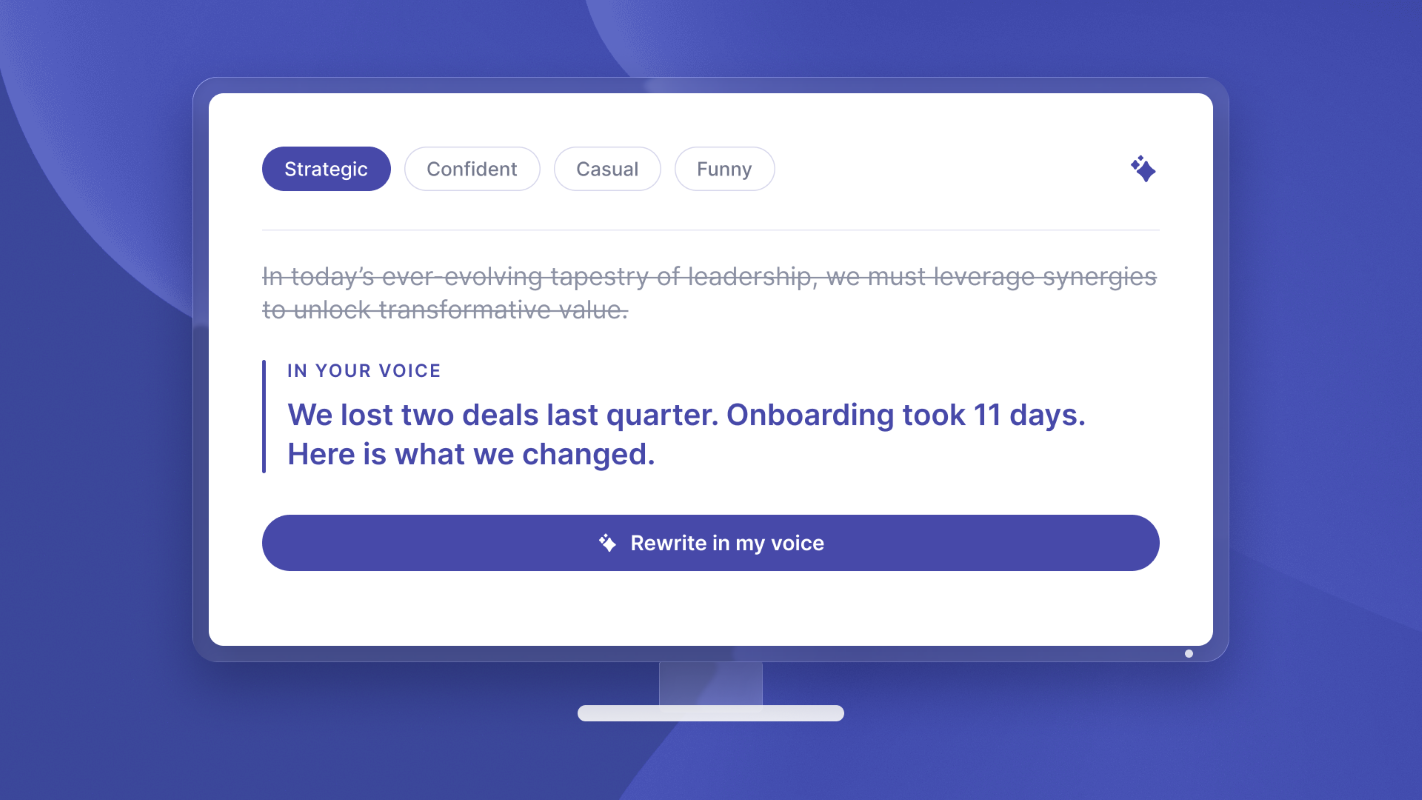
Generic AI writing is easy to spot, and readers scroll past it. Most founders try ChatGPT once, spend 20 minutes rewriting the output, and decide it's faster to write from scratch. Then they don't.
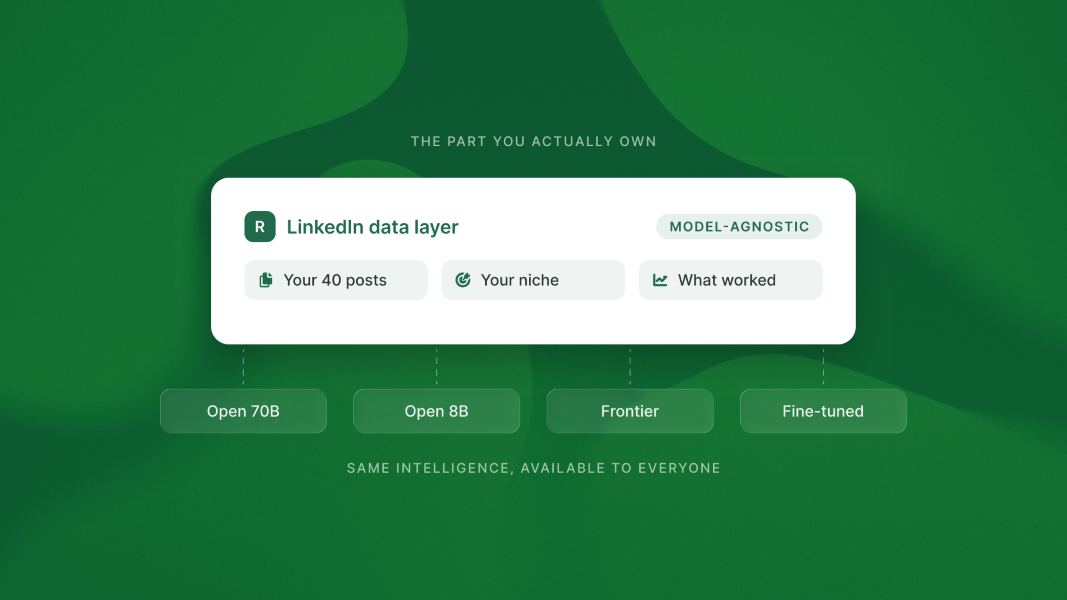
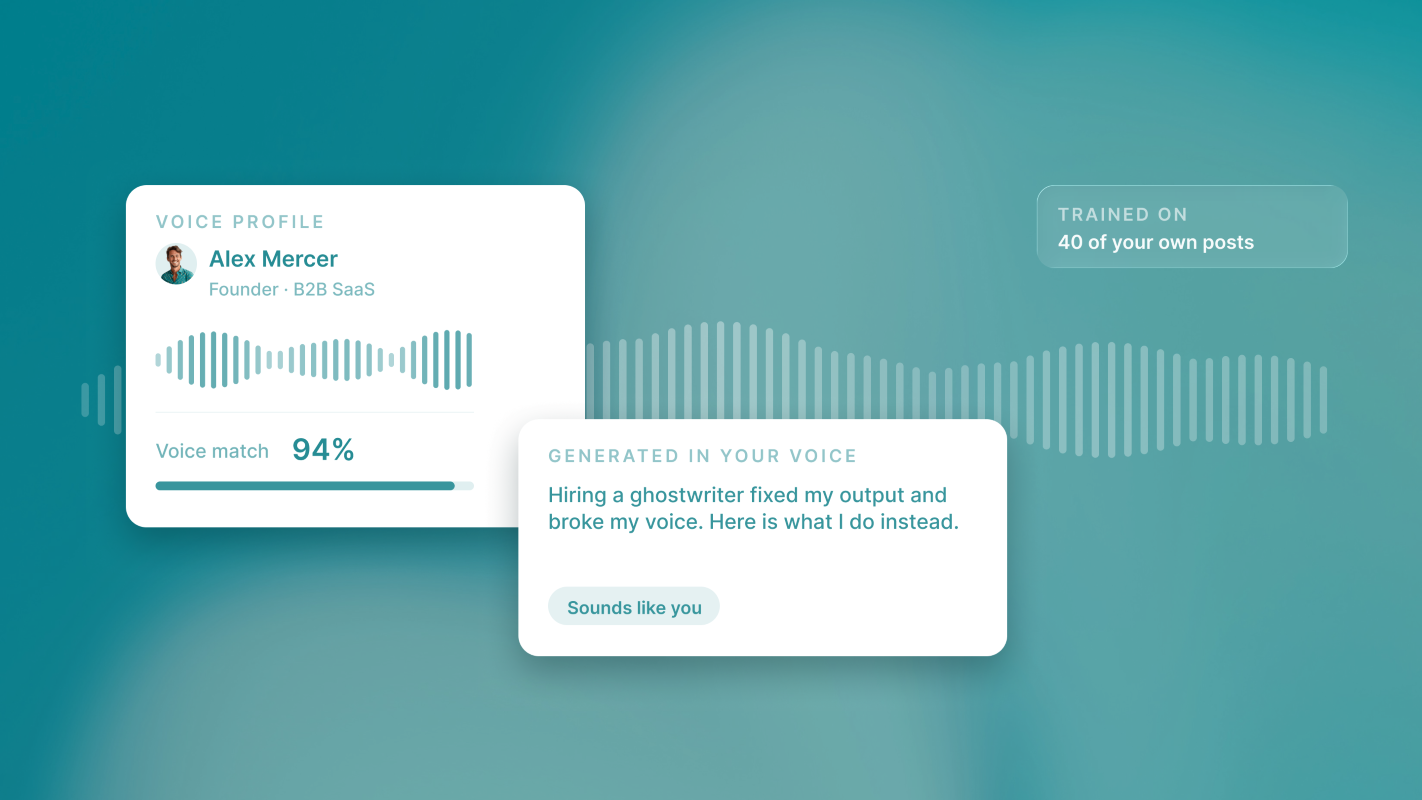
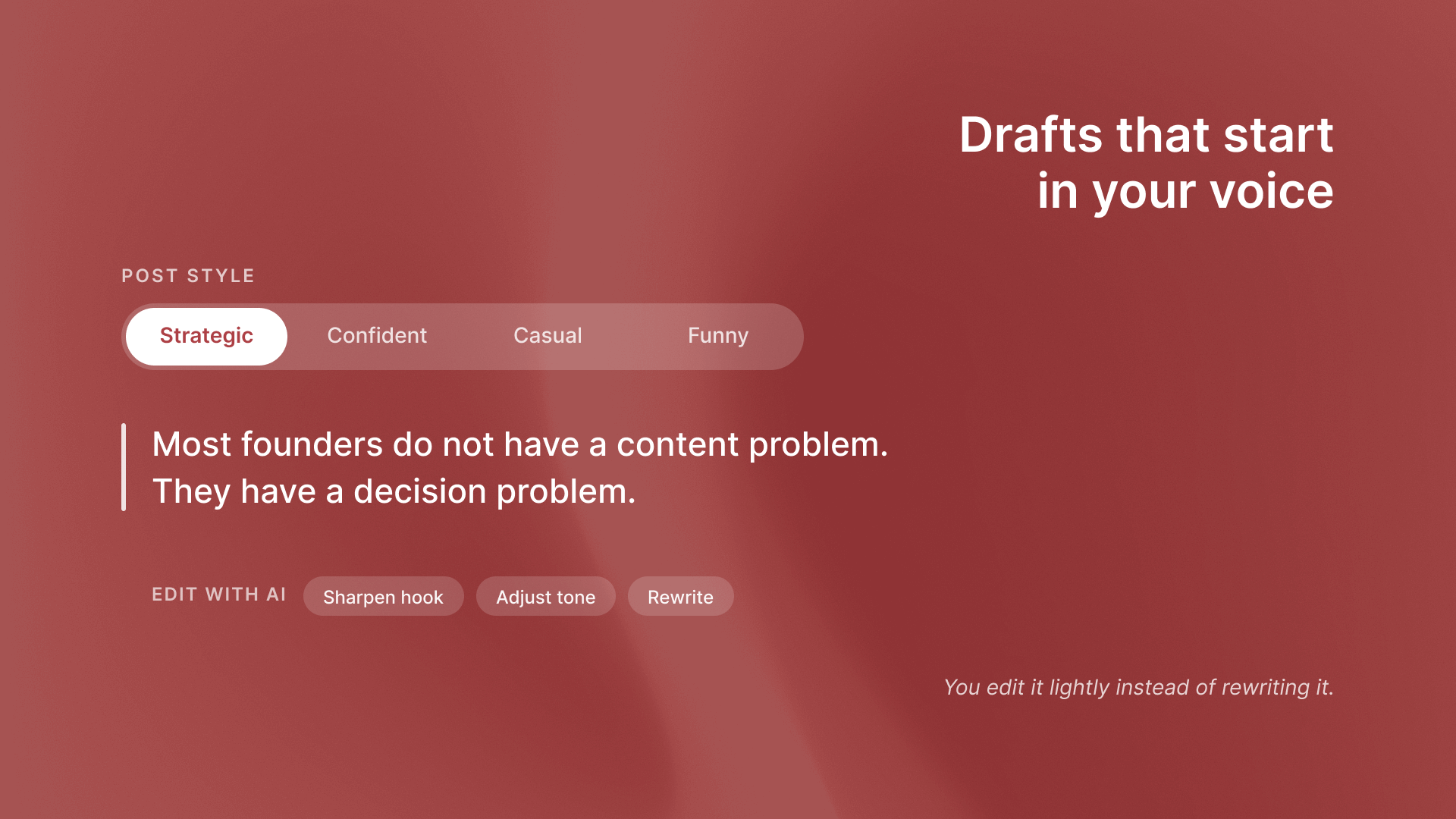
ReachSocial analyses your niche, your audience and your voice, so drafts start closer to how you actually write. The AI also learns from top-performing posts in your niche, which keeps topics and hooks relevant. When a draft needs work, Edit with AI lets you sharpen the hook, adjust the tone or rewrite the whole post in one click. You can also add custom instructions for anything specific.
One founder put it simply: "Love that you can add custom instructions to specify exactly what you're looking for." (Kelby Kupersmid, Founder and Executive Coach)
The outcome: drafts you edit lightly instead of rewrite. More on that in how to write LinkedIn posts in your own voice with AI.
3. "I lose time moving drafts between tools"
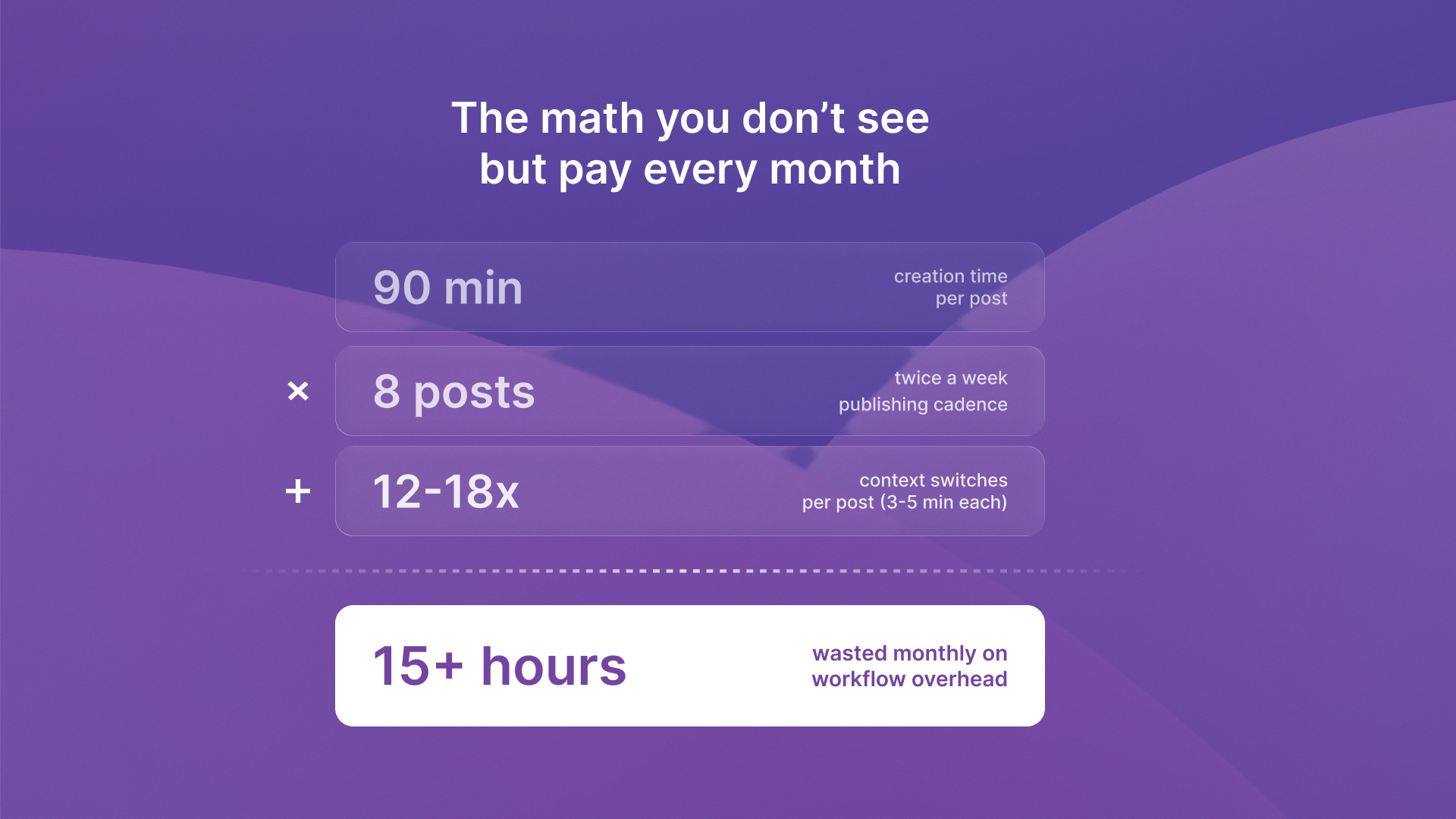
The typical setup is a chain: ideas in your head, drafts in ChatGPT, edits in Google Docs, scheduling in Buffer or Hootsuite, then a final check on LinkedIn. Every handoff is another decision and another chance to stop.
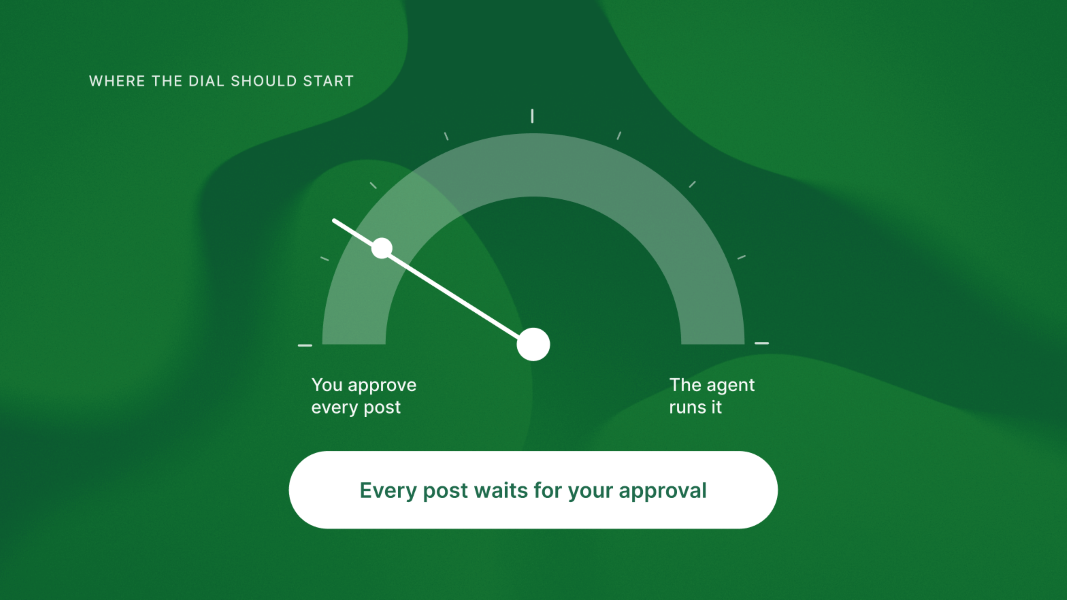
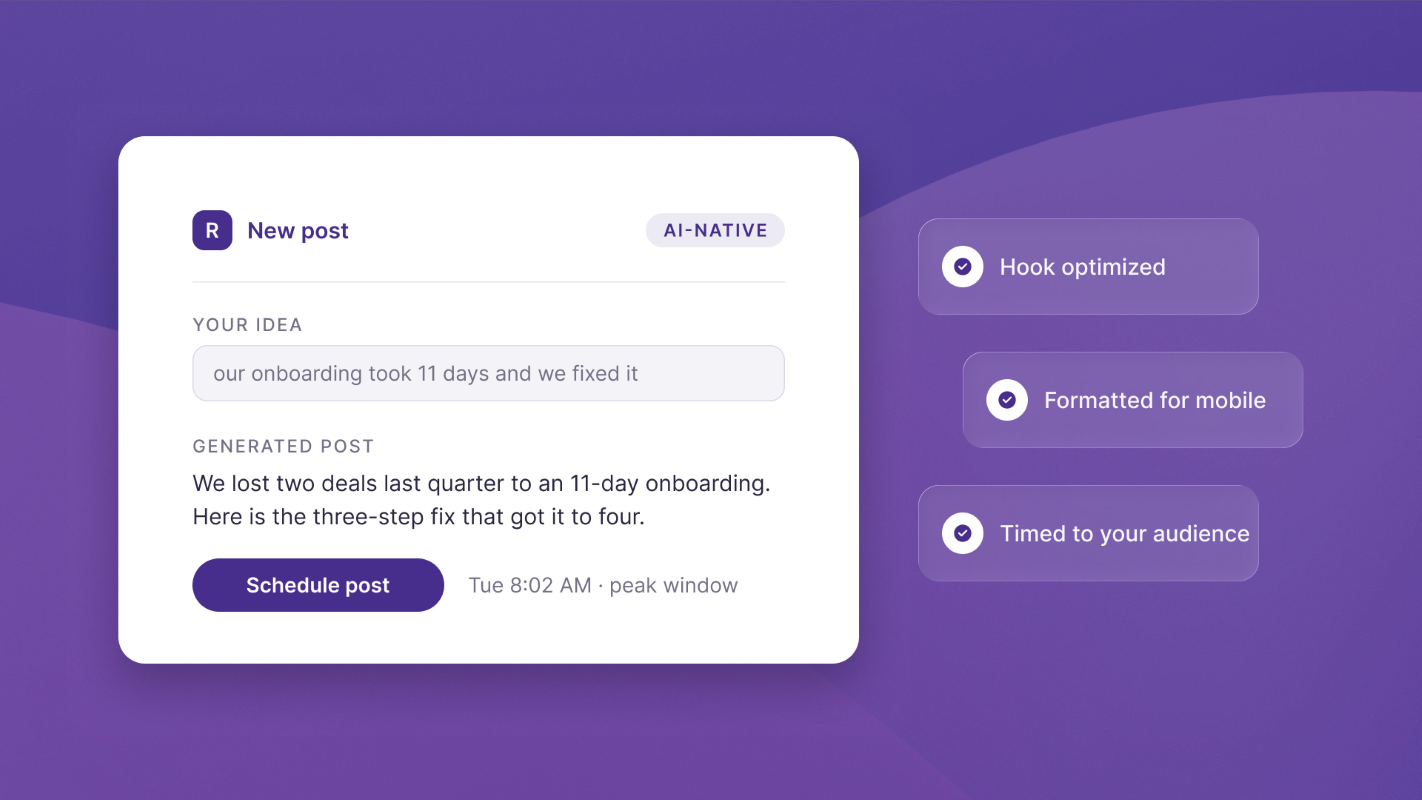
ReachSocial replaces the chain. Planning, writing, editing, scheduling and publishing all happen in one place. It connects to your LinkedIn account and publishes directly on your behalf, with a preview before anything goes live. If you want to go further, the optional weekly auto-publish setting generates new posts from your saved topics, schedules them on your chosen days and publishes them without manual steps.
The outcome: you can set up your first week of posts in under 20 minutes, in one sitting.
4. "I post, and nobody sees it"
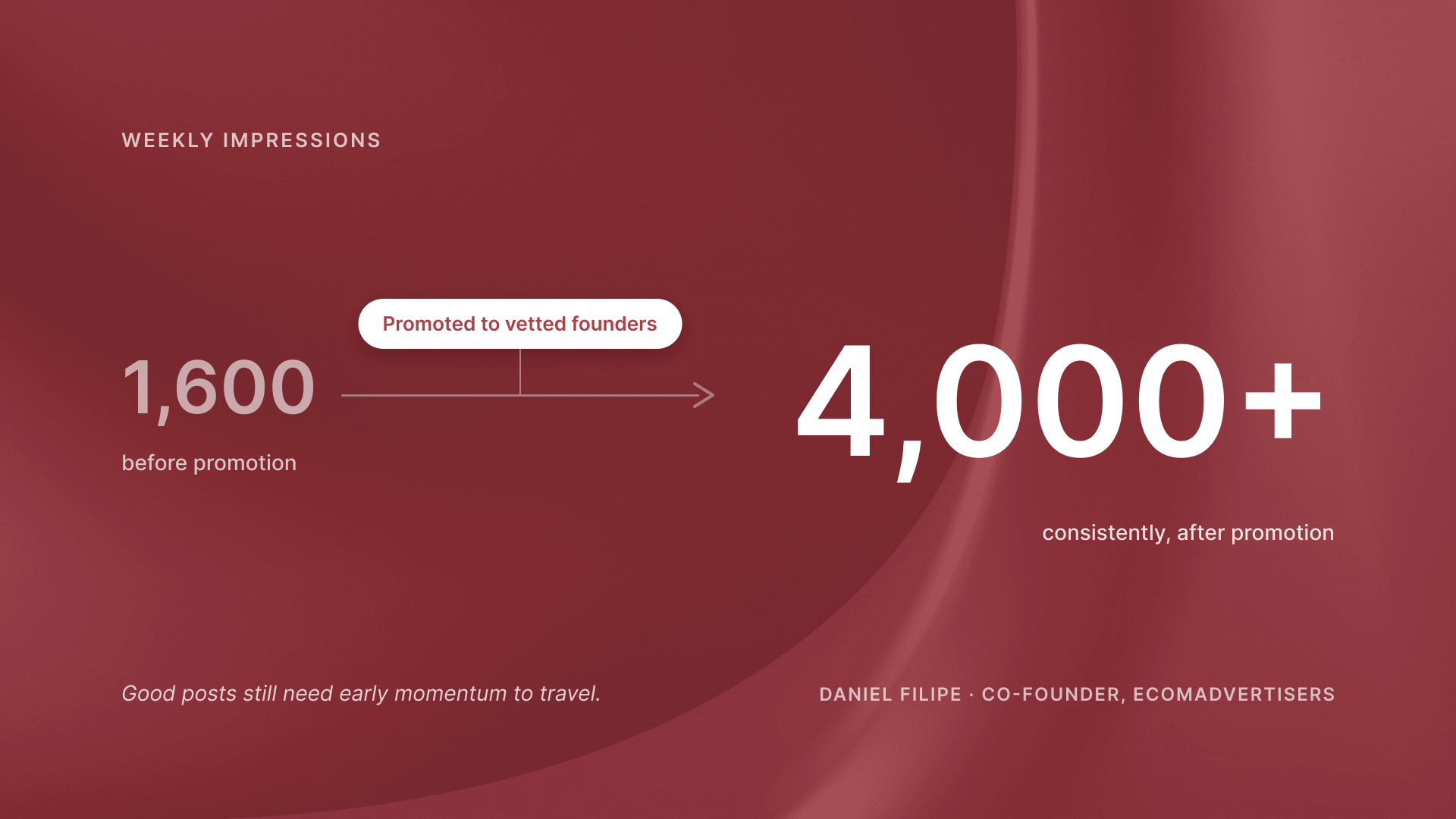
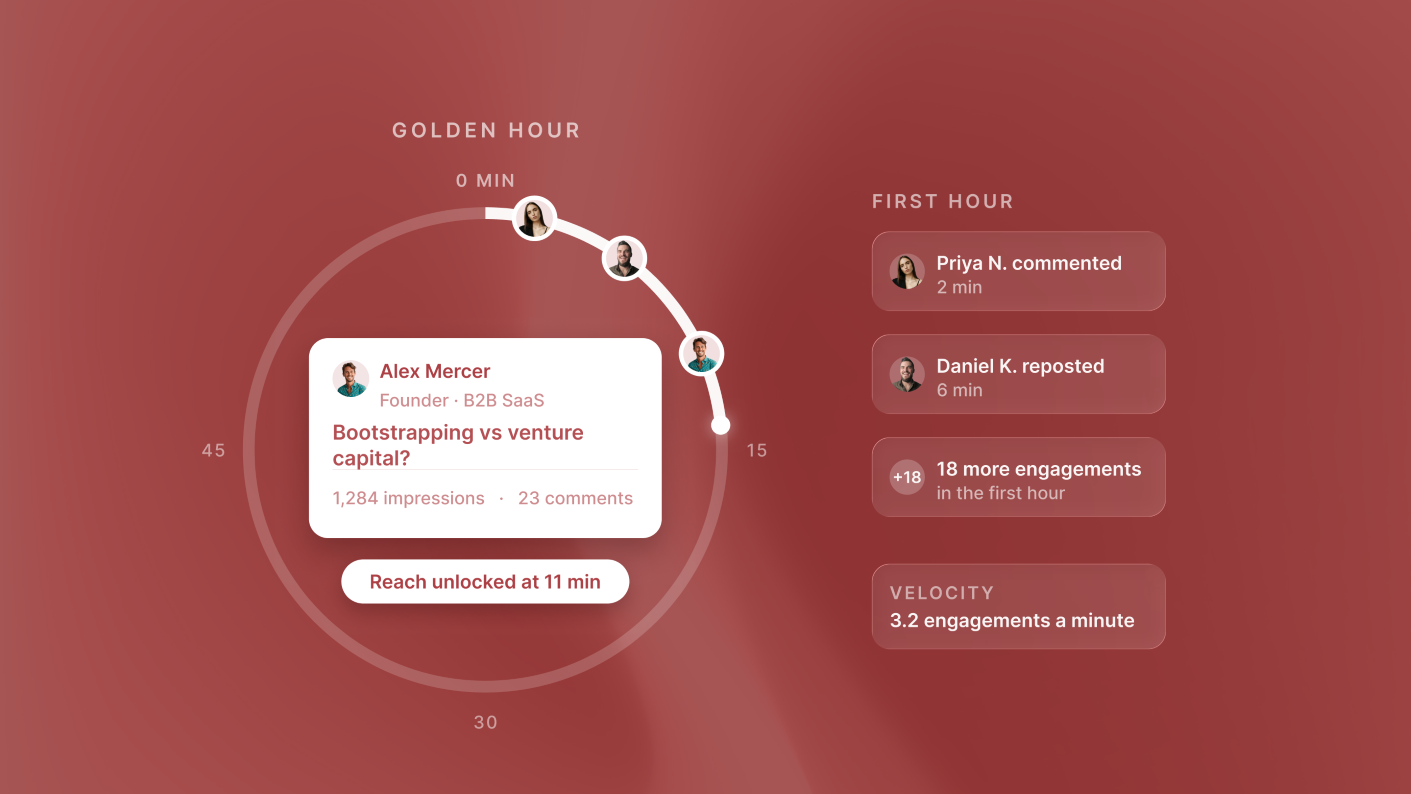
This is the most frustrating one. You put real thought into a post, and it lands with a handful of reactions. Good content still needs early momentum to reach people beyond your immediate network, which is why we wrote about engagement velocity.
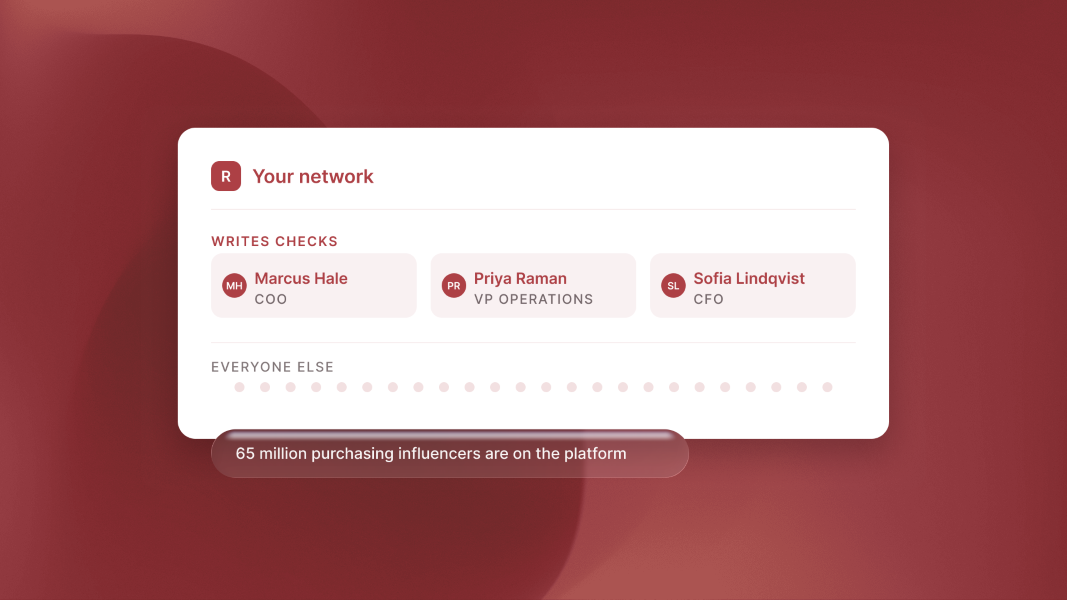
This is where ReachSocial goes beyond a scheduler. Built-in post promotion puts your posts in front of vetted founders and operators who engage with them organically. It's real people reading your content, not automated accounts. We explain how the network works in building a LinkedIn promotion network.
The outcome: your best posts get the reach they deserve. Daniel Filipe, co-founder of EcomAdvertisers, shared: "Before I was getting about 1600 impressions a week, now I get above 4000 consistently." Fractional CMO Heather Lodge called it a "great tool to expand the reach of the content you've spent so much time creating."
5. "I can't tell what's working"
Without feedback, every post is a guess. Most founders don't have time to dig through LinkedIn's native stats, so they keep posting the same kinds of content and hope for different results.
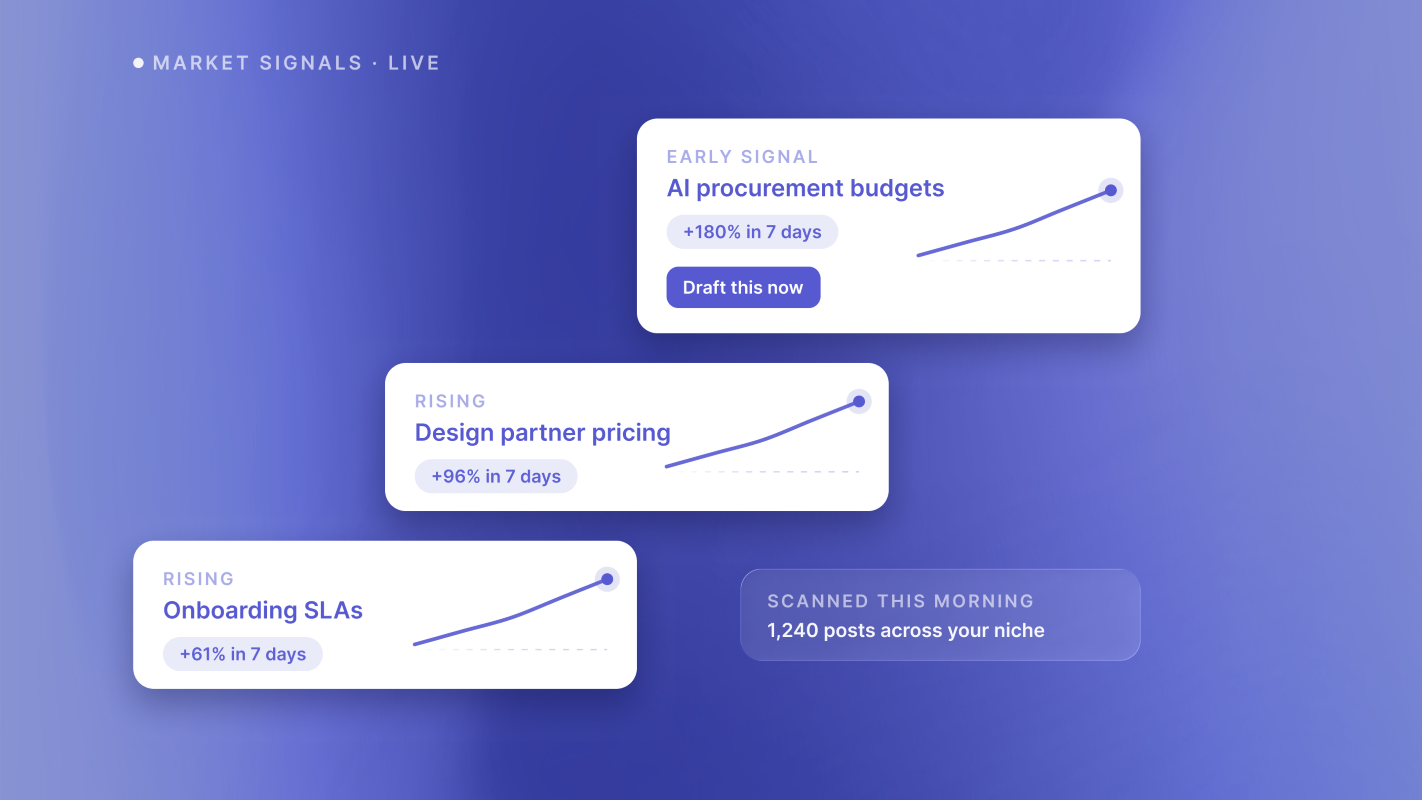
ReachSocial's performance insights show which posts resonate with your audience. It also monitors what's working across your niche and feeds that signal back into your plan, so your roadmap gets sharper over time.
The outcome: each week's plan leans into what's already working, instead of starting from zero.
Problem, feature and outcome at a glance
You're also not doing it alone. Every account includes access to a private community of founders using the same system, plus expert support by email or text.
So far, ReachSocial has generated more than 15,000 LinkedIn posts and driven over 200,000 engagements for more than 2,000 founders and operators. It holds a 4.7 out of 5 TrustScore on Trustpilot.
Who ReachSocial is for
It is built for founders and operators, consultants and advisors, agency owners, and creators who want LinkedIn to bring in clients, investors and opportunities without becoming a second job.
ReachSocial takes a different approach. Rather than focusing on multi-platform publishing or LinkedIn lead databases, it brings content planning, AI-assisted writing, publishing, promotion and performance insights into one LinkedIn-focused workflow.
What to do next
- Name the one problem above that stops you most often.
- Pick three to five topics you want to be known for.
- Block 20 minutes to set up your first week of posts.
- After two weeks, check your insights and adjust the plan.
Ready to show up every week without the busywork? Start your 7-day free trial and plan your first week of LinkedIn content today.