How ReachSocial shows founders which LinkedIn posts work

TL;DR
- Most founders can't tell which LinkedIn posts work, because LinkedIn's numbers sit apart from where they plan and write.
- ReachSocial keeps your insights, weekly plan, AI editing and post promotion in one place, so acting on what worked takes minutes.
- Check each post's reach, then resonance, then response. The first weak one is what to fix.
- Setup takes under 20 minutes, then most users spend under 30 minutes a week.
Short answer: Most founders can't tell which LinkedIn posts work because the numbers sit inside LinkedIn and nothing connects them to what gets written next. ReachSocial puts your performance insights, weekly roadmap, AI editing and post promotion in one place. A post that missed this week becomes a better one next week, and most users spend under 30 minutes a week doing it.
You wrote something you were proud of on Tuesday. By Thursday it had six reactions, and two were from people on your team. Meanwhile a throwaway post about a hiring mistake got forty comments and a DM from someone you'd been trying to reach for months.
If that sounds familiar, you don't have a writing problem. You have a feedback problem. You post, you get a fuzzy signal back, and next week gets planned on gut feel. We built ReachSocial for founders and operators who are stuck right there.
Why the usual setup can't tell you what's working
LinkedIn does give you the numbers. Click the impression count under any post and you'll find useful signals such as impressions, members reached, engagement and profile activity.
The trouble is everything around those numbers. LinkedIn will show you a combined view of up to a year of posts, and even export it, but the detail doesn't stick around: it keeps demographic breakdowns for 180 days and members reached for 400 (LinkedIn Help). And your plan is in a Google Doc and your drafts are in ChatGPT, so the lesson rarely makes it across.
That last part is the expensive one. Learning that your story posts beat your how-to posts doesn't help if next week's doc is already full of how-to posts.
How ReachSocial solves it
ReachSocial is a LinkedIn content workflow for founders and operators. Planning, writing, publishing, promotion and performance insights all live in one place, so acting on what you learn takes minutes, not a free weekend. Here's what that looks like day to day.
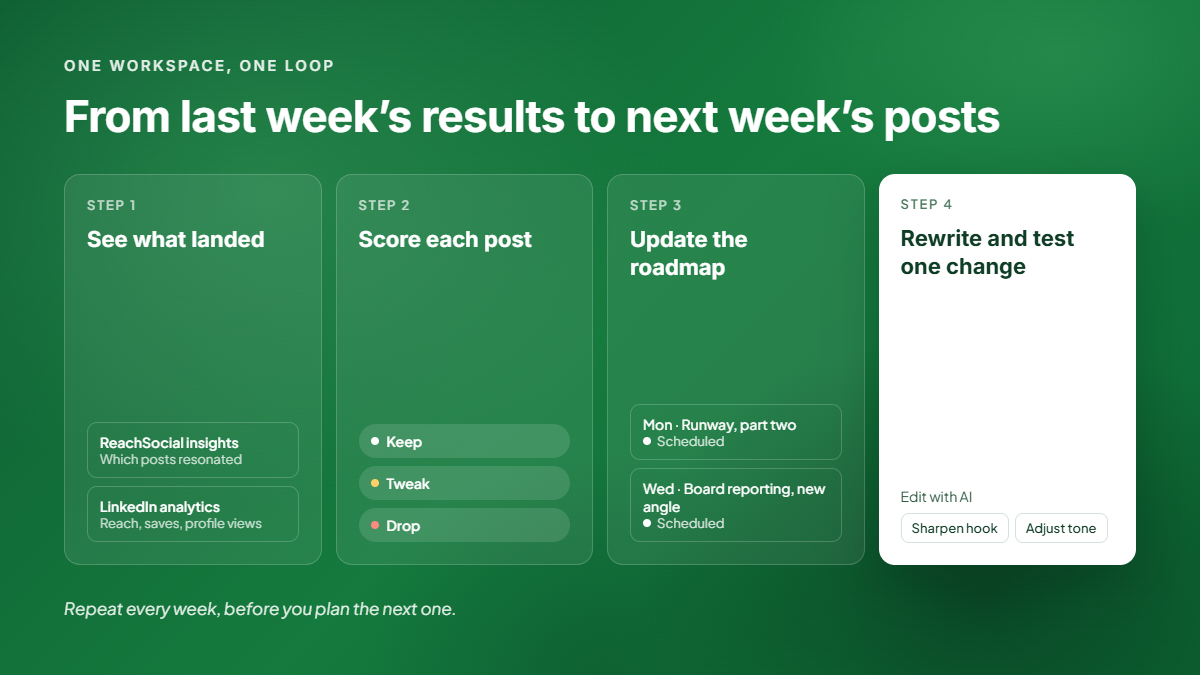
See what landed, right next to what's coming
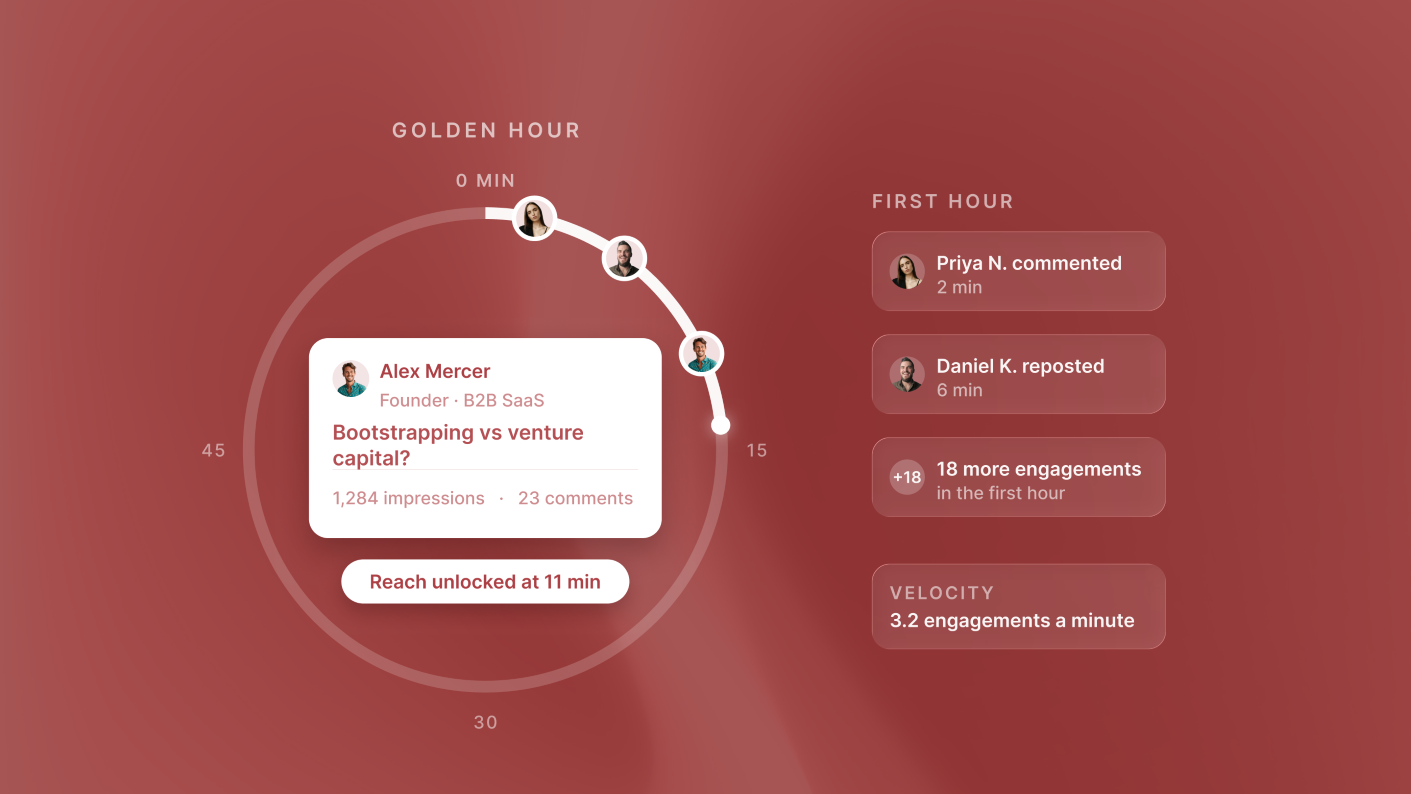
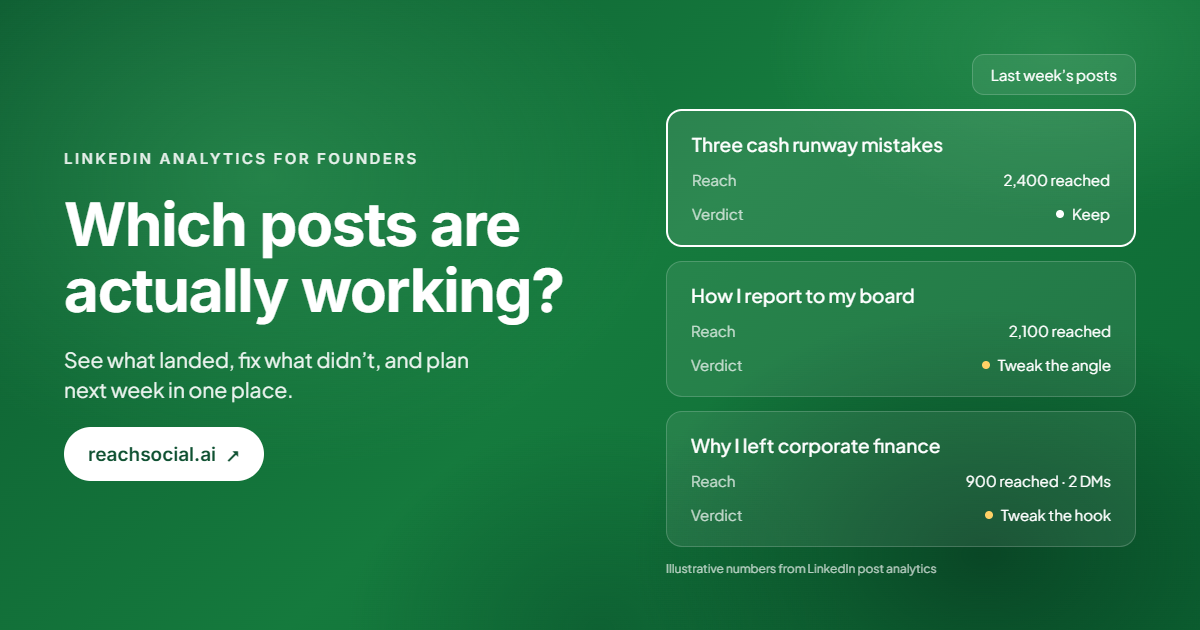
Performance insights track which of your posts resonate with your audience, in the same place where you plan and schedule. For the finer detail, like members reached or saves on a single post, LinkedIn's own analytics are still the place to look.
Know what's working in your niche, not just your feed
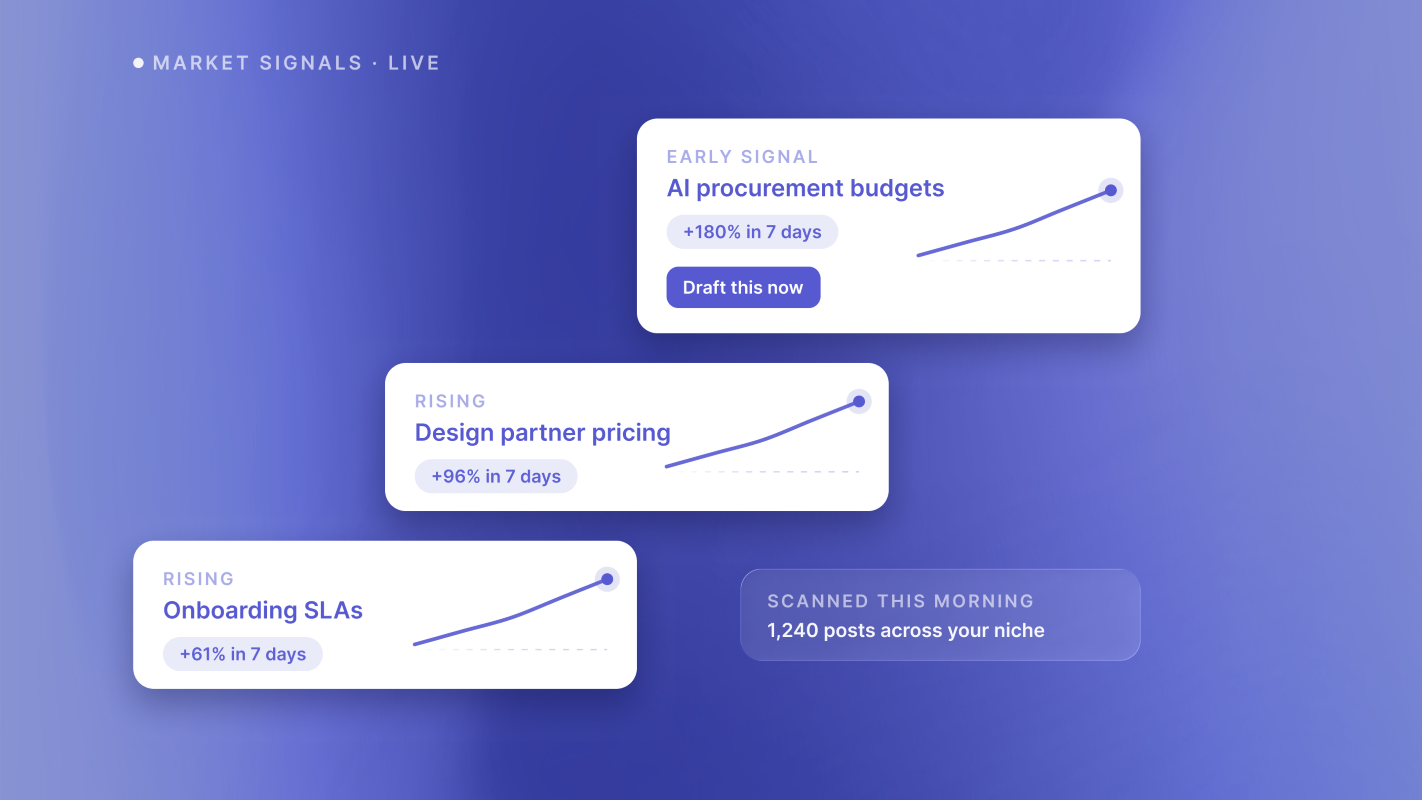
ReachSocial also watches what's resonating across your niche and feeds it back into your plan. So if founders in your space are getting traction with pricing stories this month, you find out before you've spent three weeks guessing.
Turn the lesson into next week's plan
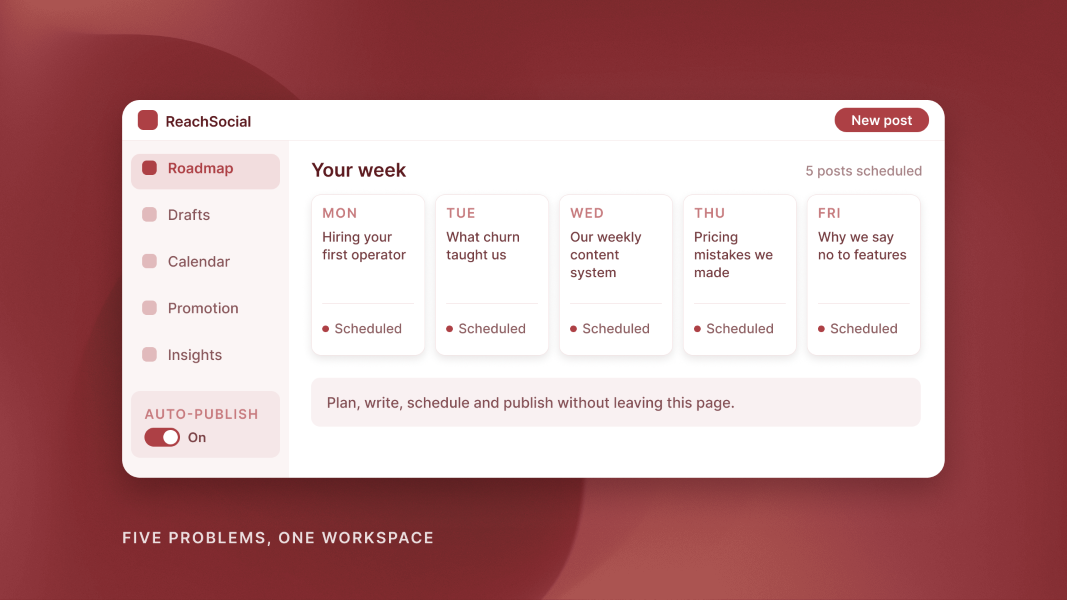
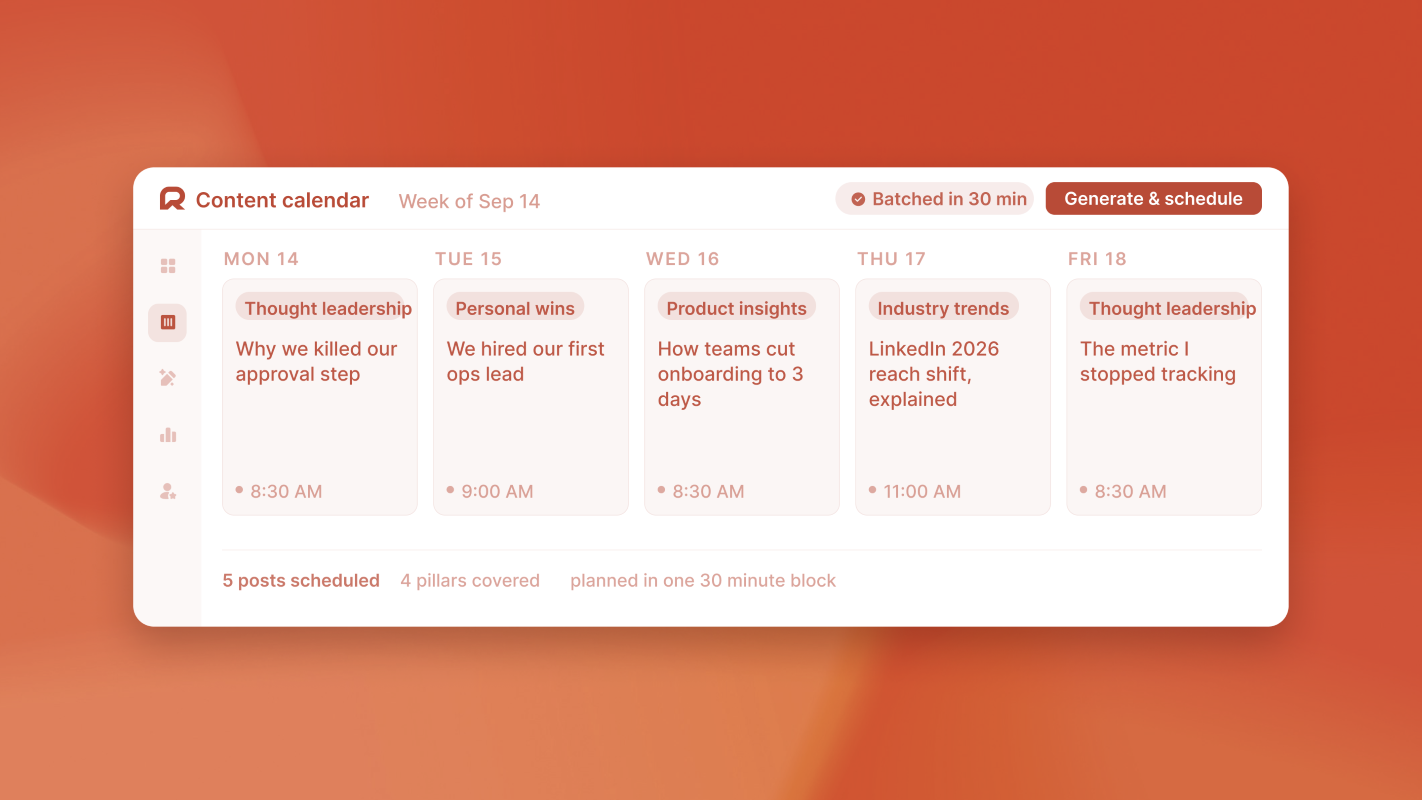
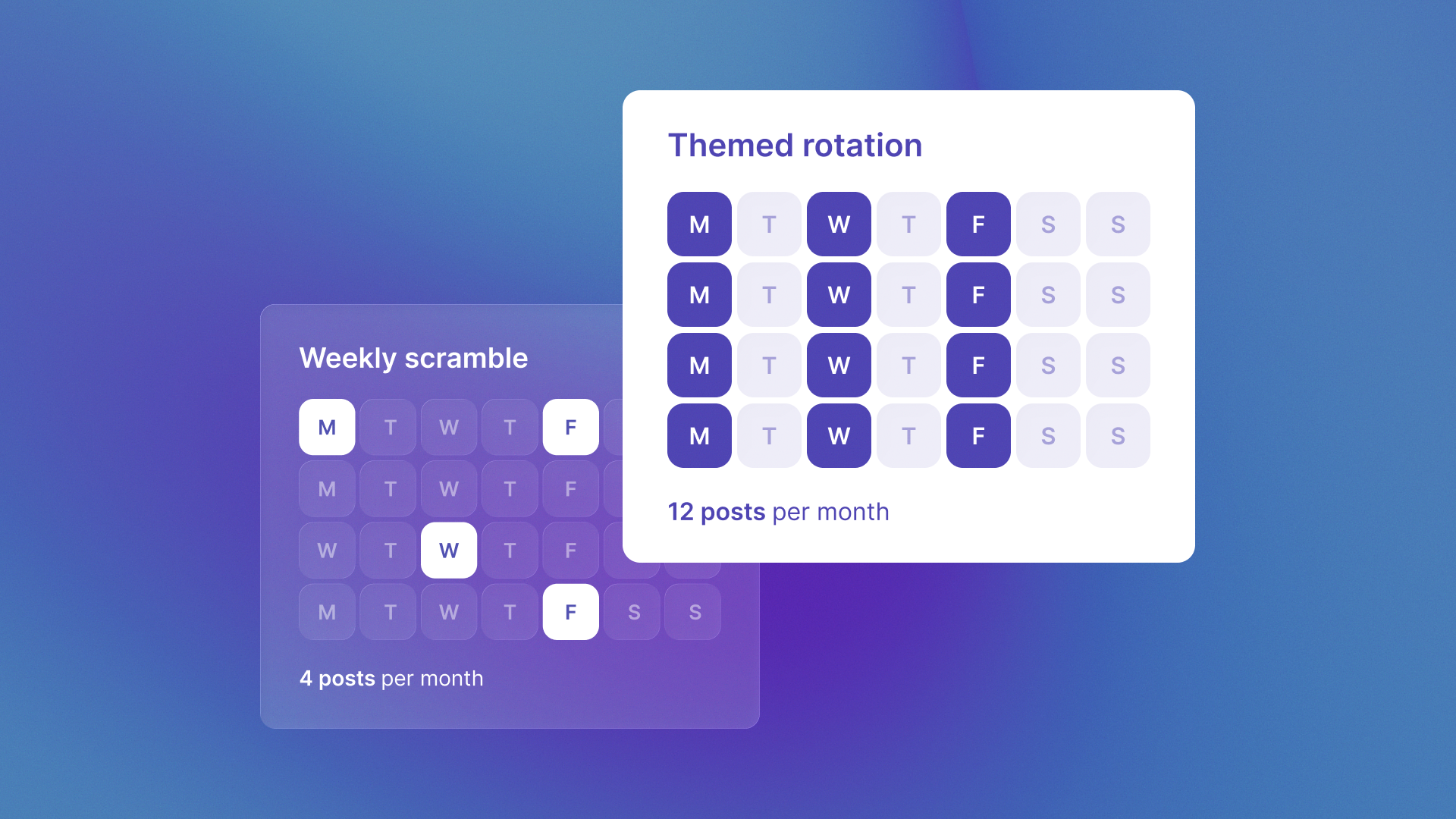
Every week ReachSocial builds a content roadmap from your topics, scheduled on the days you choose. When something worked, you keep more of it. When something flopped, you swap the topic or regenerate the post. If you want to see the planning side in more detail, here's how founders plan a week of LinkedIn content.
Fix a weak post without starting over
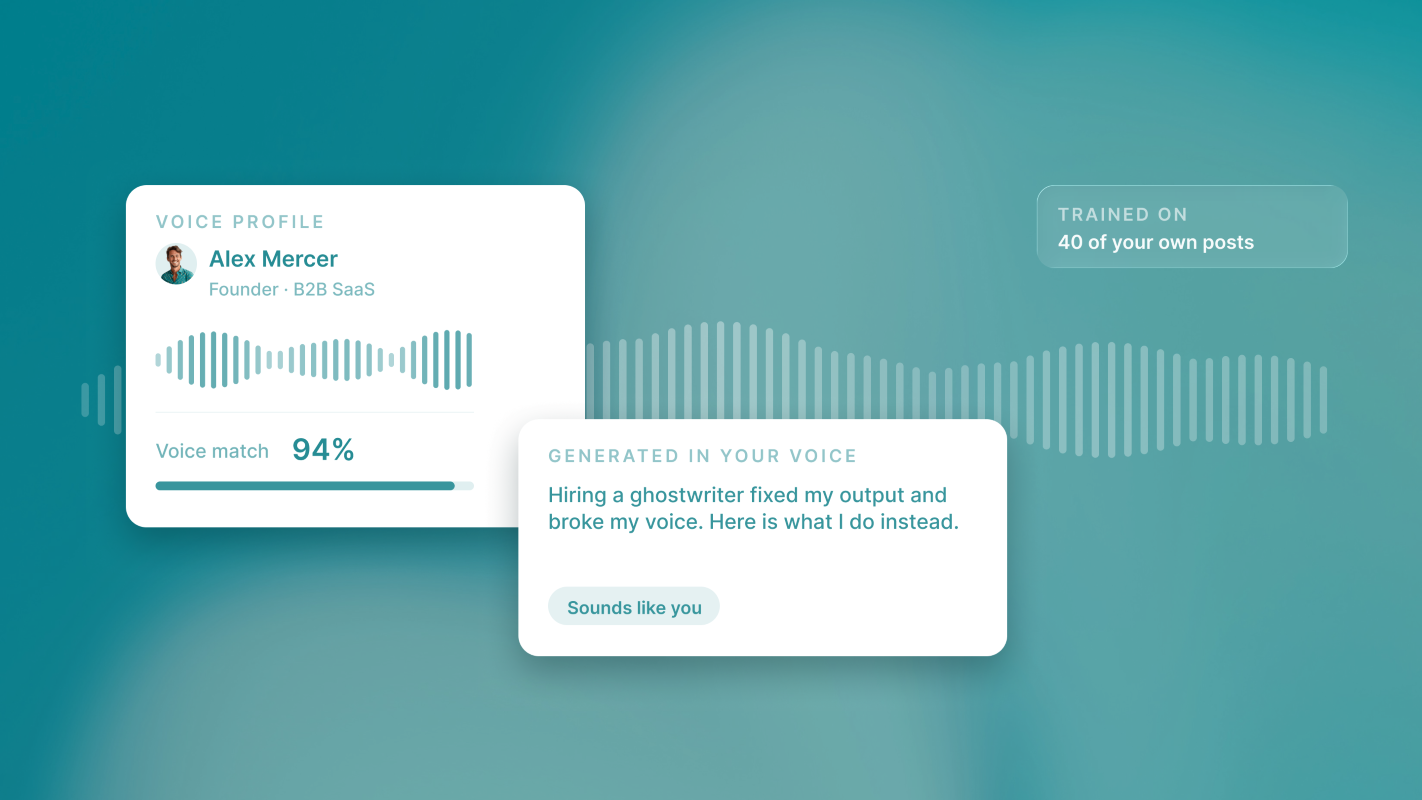
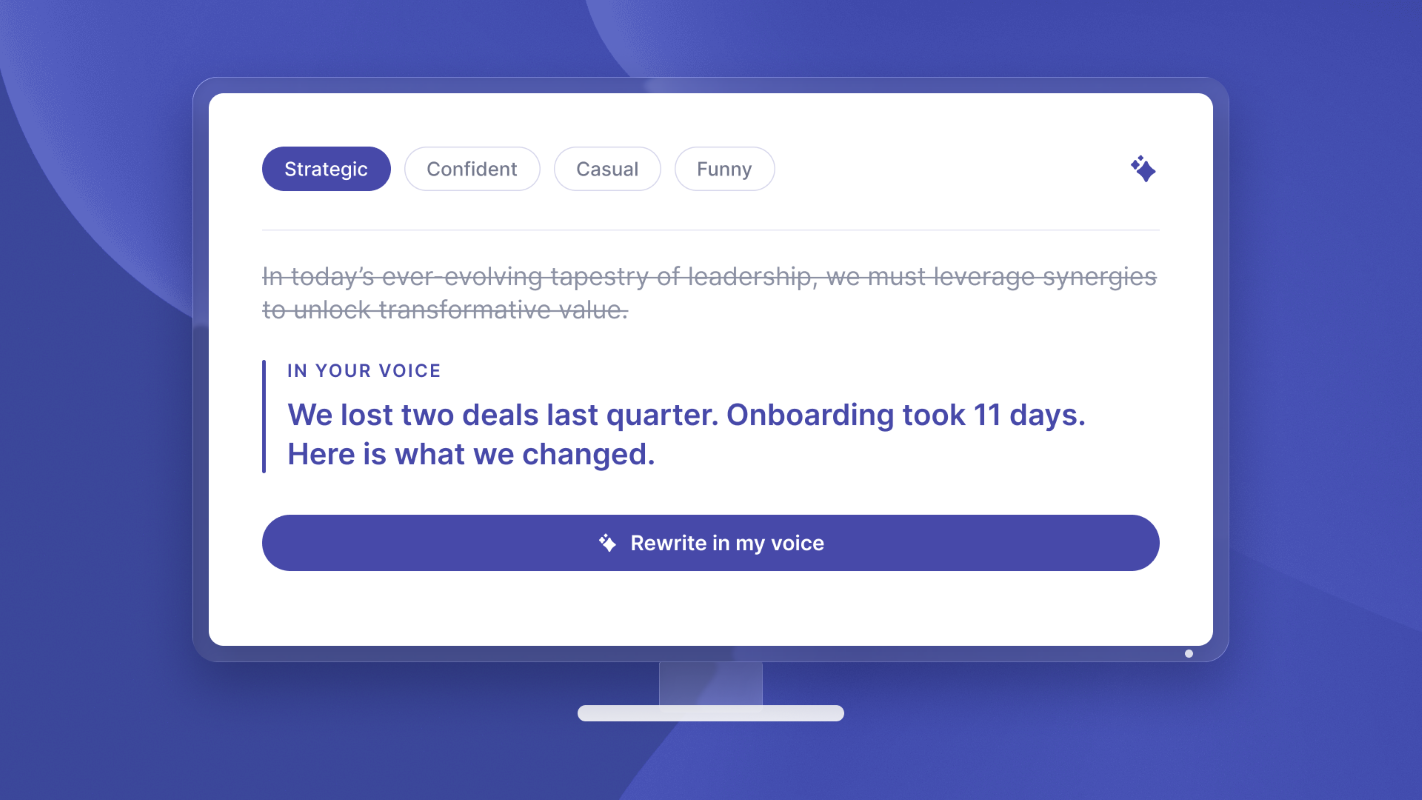
Most posts that miss don't need a new idea. They need a better first line. Edit with AI sharpens the hook, adjusts the tone or rewrites the whole post in one click. It starts from the style you picked at setup, whether that's strategic, confident, casual or funny, and we've written about keeping AI posts in your own voice if that's your worry.
Get good posts in front of the right people
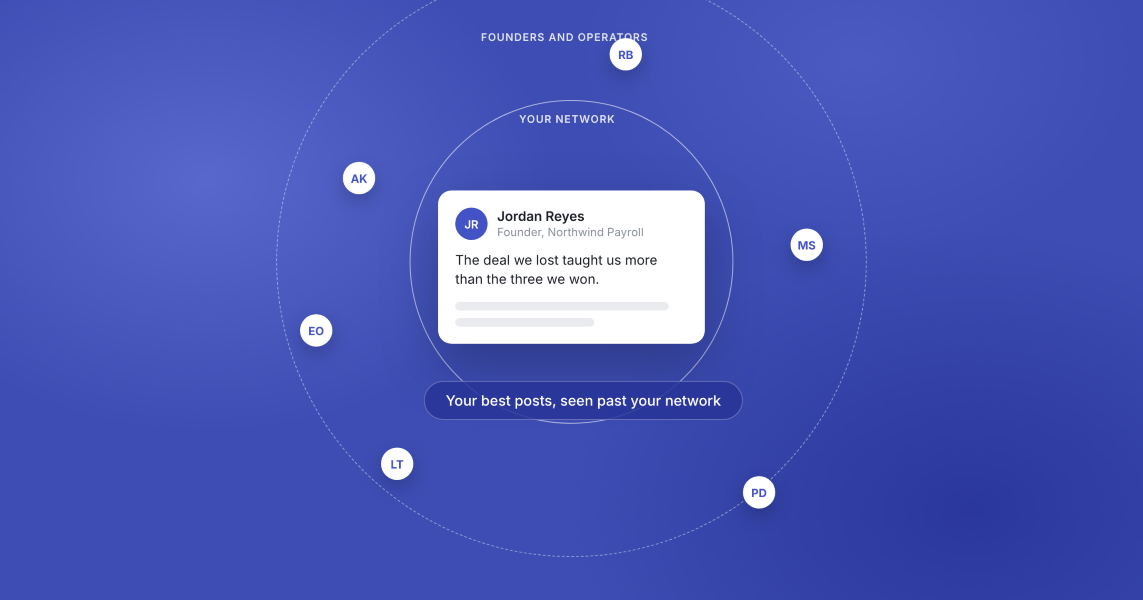
ReachSocial's built-in promotion puts your posts in front of a network of vetted founders and operators, so a good post gets seen by people who can actually respond to it. Schedulers like Buffer don't do this part at all. There's more on how it works in our piece on building a LinkedIn promotion network.
Keep going when the week gets away from you
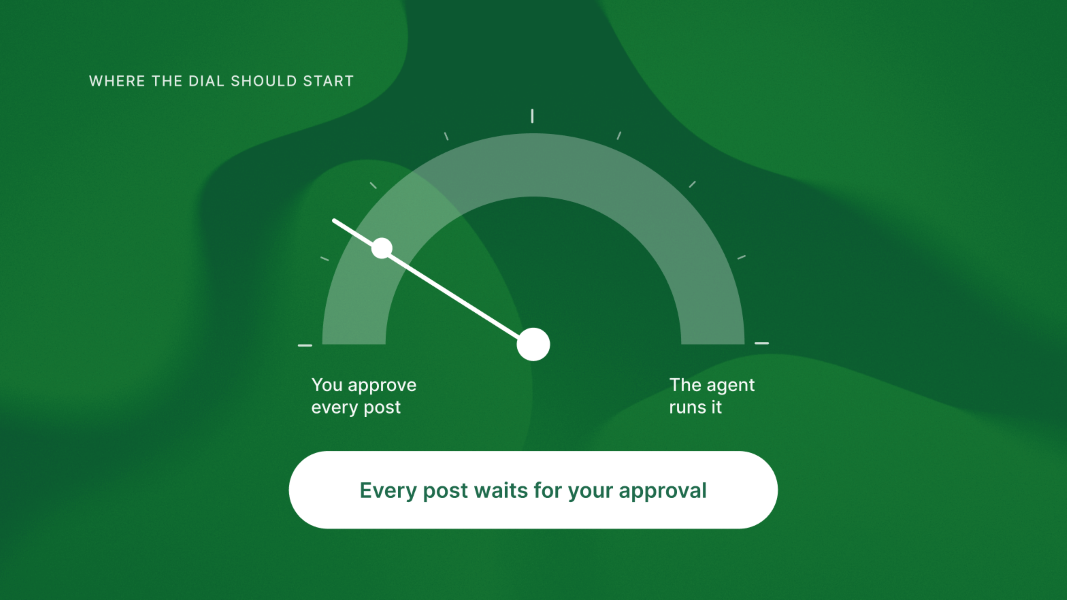
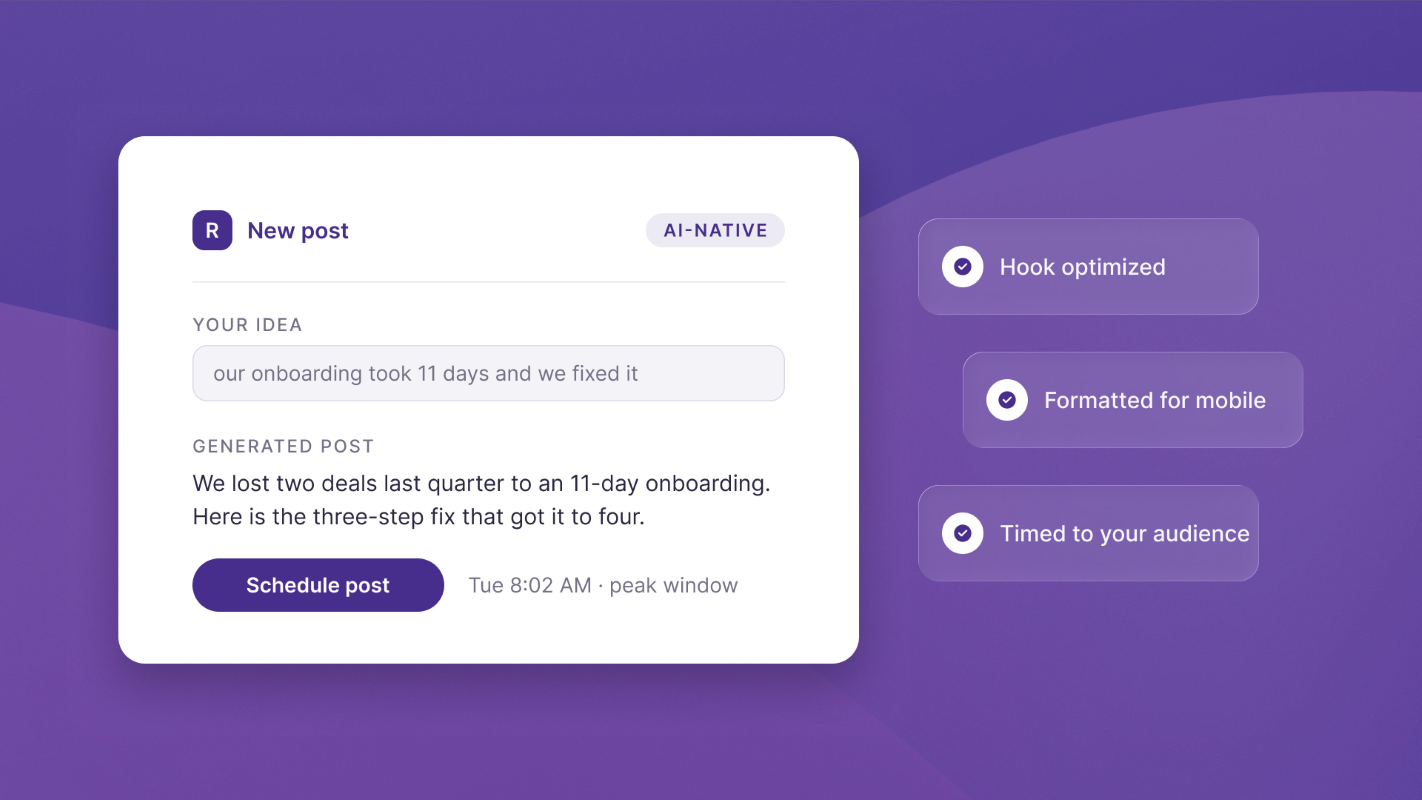
Busy weeks are when founders stop posting. Switch on weekly auto-publish and ReachSocial generates, schedules and publishes for you, so the loop keeps running while you're in back-to-back calls. You can still preview and edit anything before it goes out.
What changes for you
The point isn't another dashboard. It's what happens to your week, and to your results.
You get time back. Setting up your first week of posts takes under 20 minutes, and most users spend under 30 minutes a week on content after that, review included.
You stay consistent. Founders rarely quit LinkedIn because they run out of ideas. They quit because every week starts from a blank page. When next week's plan is already built, and already adjusted to last week's results, there's very little left to decide.
And reach tends to follow. As Daniel Filipe, co-founder of EcomAdvertisers, puts it: “I used to get around 1,600 impressions a week, now I’m consistently getting over 4,000.” Across more than 2,000 founders and operators, it has driven over 200,000 engagements.
A simple way to read your numbers
You don't need to become an analyst to use any of this, but it helps to know what to look for. We read every post on three levels, in order, and stop at the first one that's weak. Each level points to a different fix inside ReachSocial.
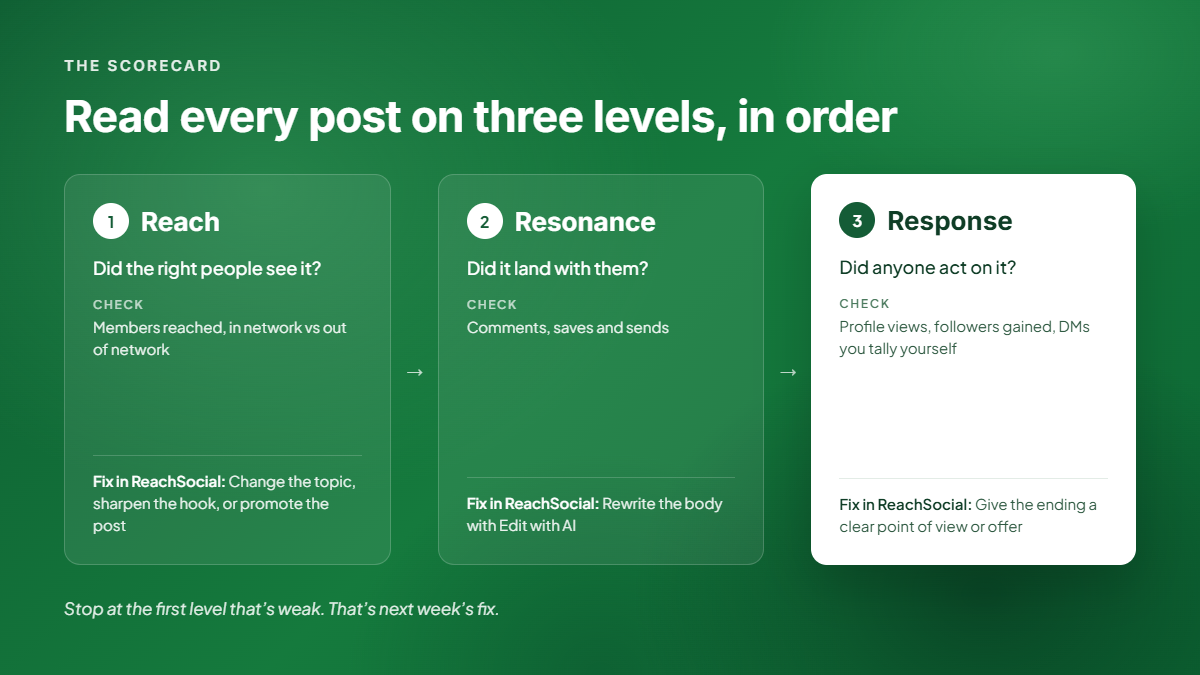
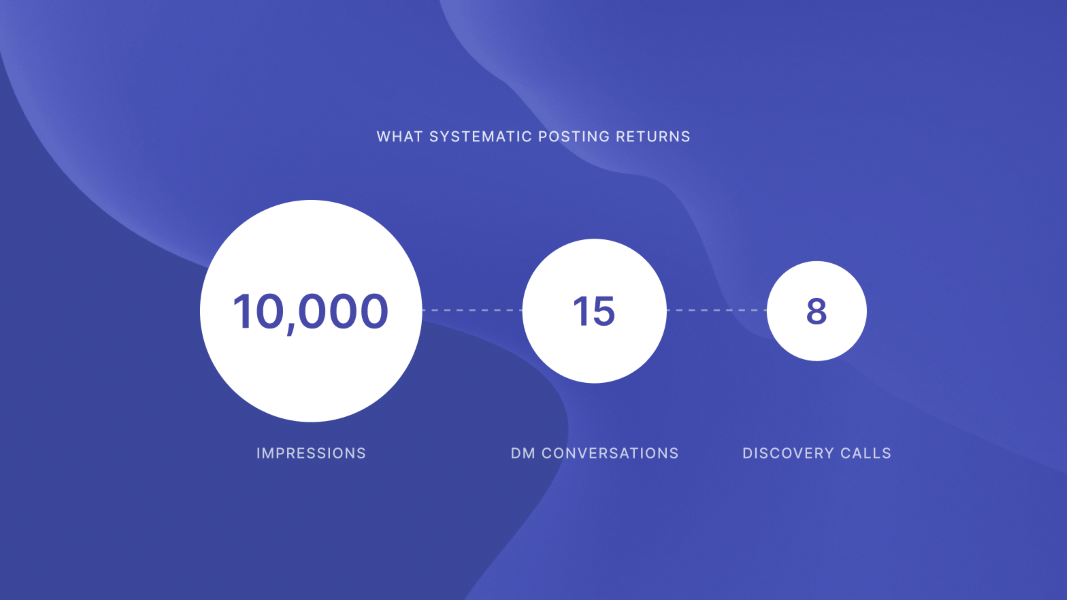
DMs don't show up in LinkedIn's analytics, so keep a rough tally yourself. For founders and consultants, a message from the right person is often worth more than everything else in that table. It's the idea behind turning LinkedIn content into discovery calls.
Try it on your next week
If you can't tell which posts are working, you're in good company, and you don't need a data habit to fix it. ReachSocial shows you what landed, builds next week around it, and helps your good posts get seen. It's one of the five biggest LinkedIn problems founders face, and it quietly decides whether the other four get solved.
Start your 7-day free trial and set up your first week of posts in under 20 minutes. It's $99 a month after that, and you can cancel anytime.